-18%Sold out
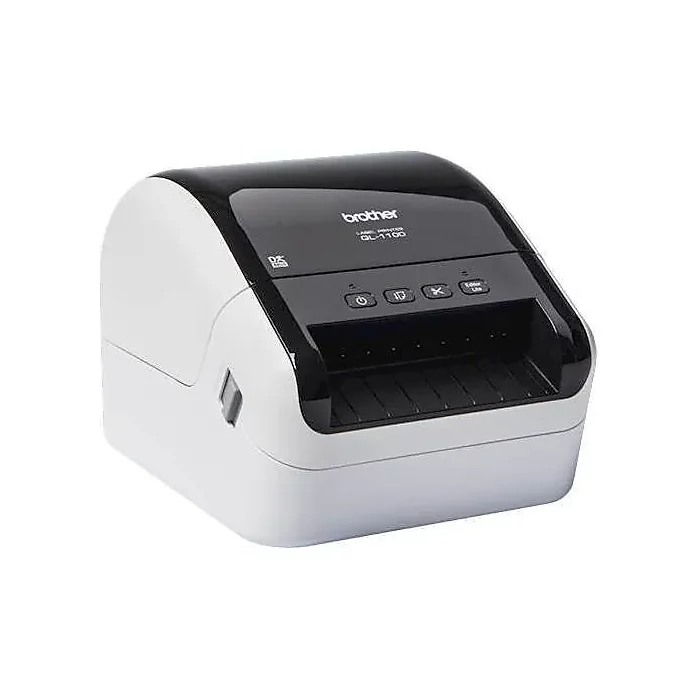
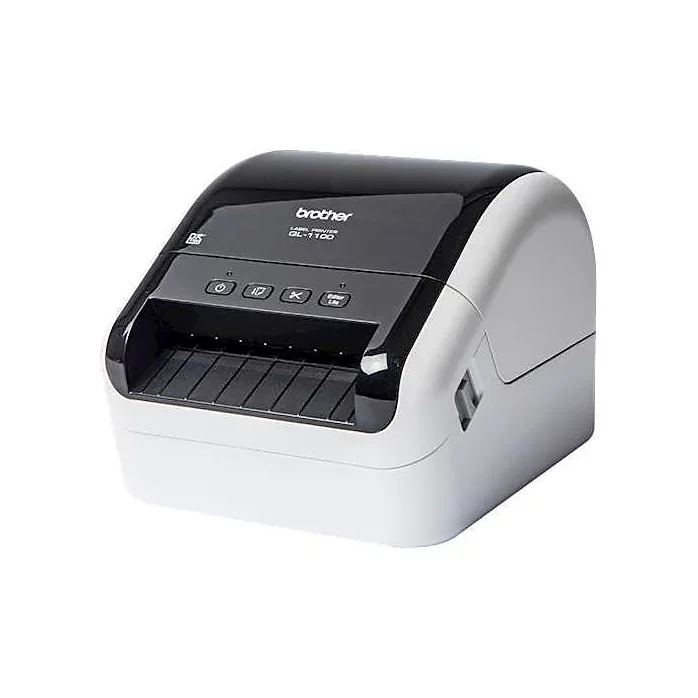
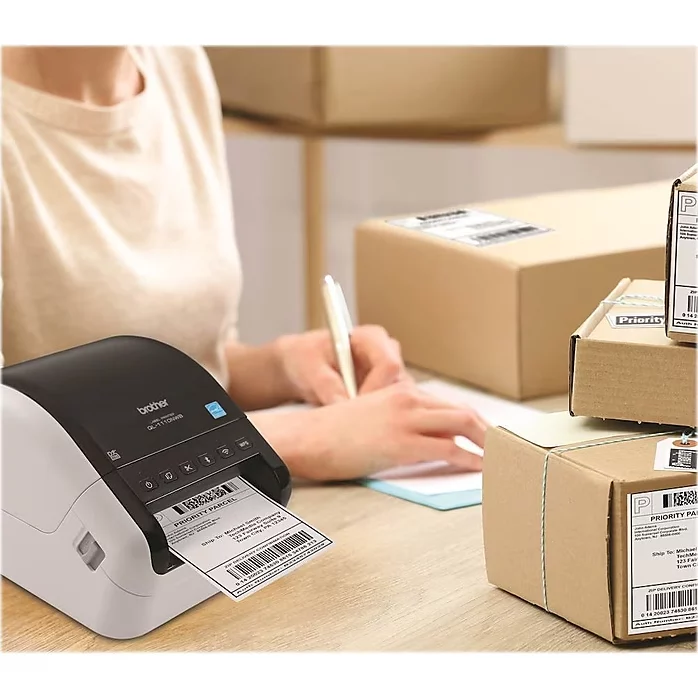
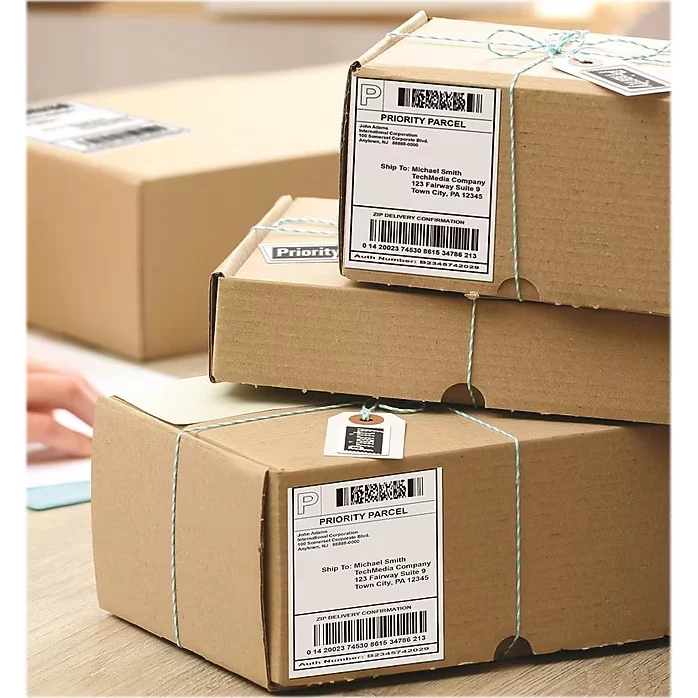

Here are some similar items ...

Original price was: $59.99.$49.99Current price is: $49.99.
Original price was: $65.00.$50.00Current price is: $50.00.
Original price was: $115.00.$94.00Current price is: $94.00.

Original price was: $96.99.$79.99Current price is: $79.99.

Original price was: $65.99.$53.99Current price is: $53.99.
Original price was: $88.99.$72.99Current price is: $72.99.
I highly recommend this printer. Simply download the driver from Brother's website. Open the exe, wait for it to tell you to power on, and you're good...More
I highly recommend this printer. Simply download the driver from Brother's website. Open the exe, wait for it to tell you to power on, and you're good to go. Highly recommend.
I was simply trying to save some money hoping one of the cheaper models might just get me by when it came to printing shipping labels. I was very wron...More
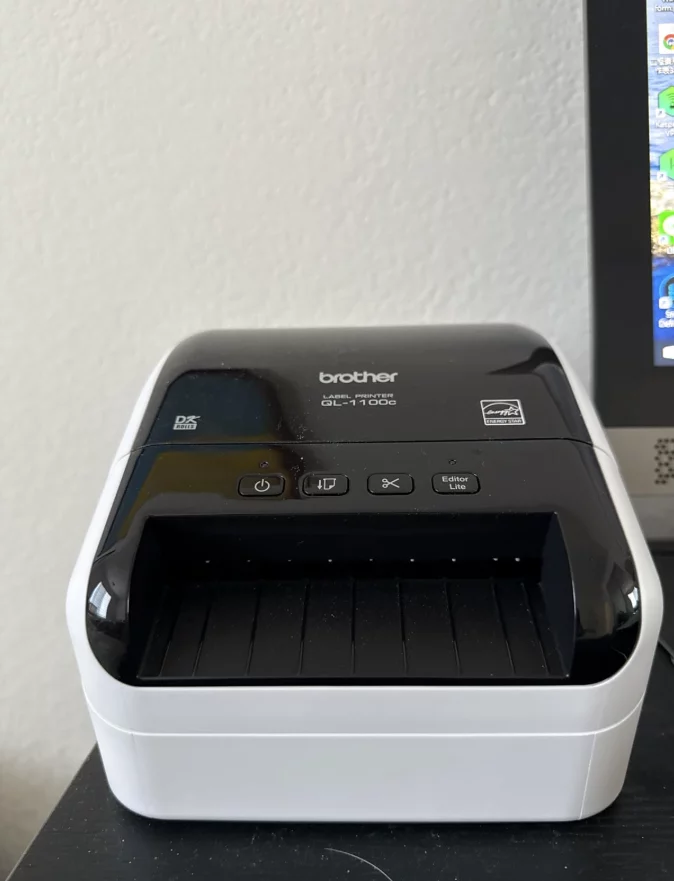
I was simply trying to save some money hoping one of the cheaper models might just get me by when it came to printing shipping labels. I was very wrong. Now maybe some of the cheaper models perform better but all I needed was one failure to say it was not worth trying another cheap model. So I went ahead and spent the extra on the Brother QL-1100c. Boy was it a difference between night and day! Coming from the cheaper model I was absolutely blown away by the jump in quality. The complex 2D/dense QR absolutely wrecked the cheap model. The Brother just laughs those off and they come out crisp and clear as if they were hand drawn by an artist.
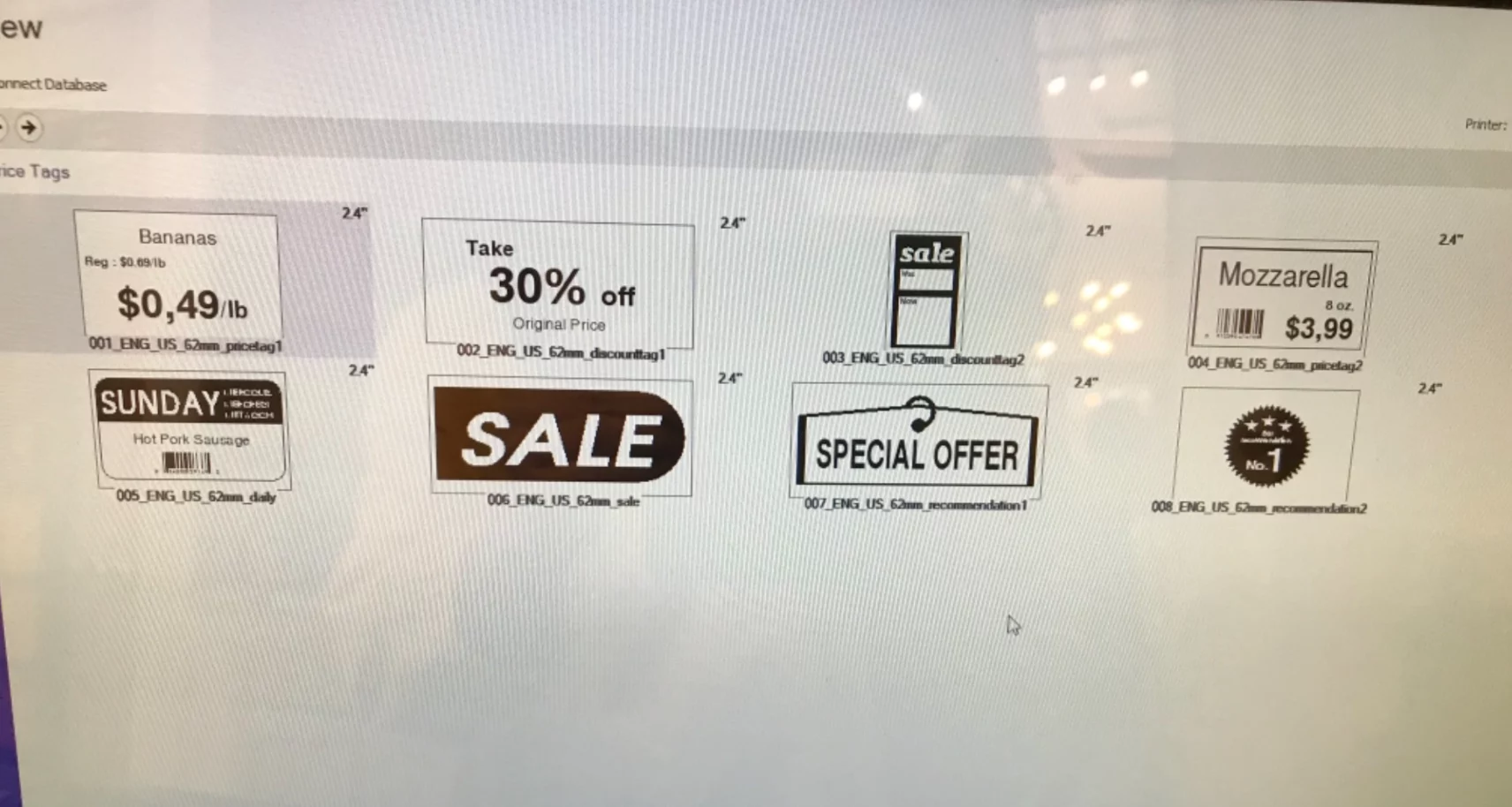
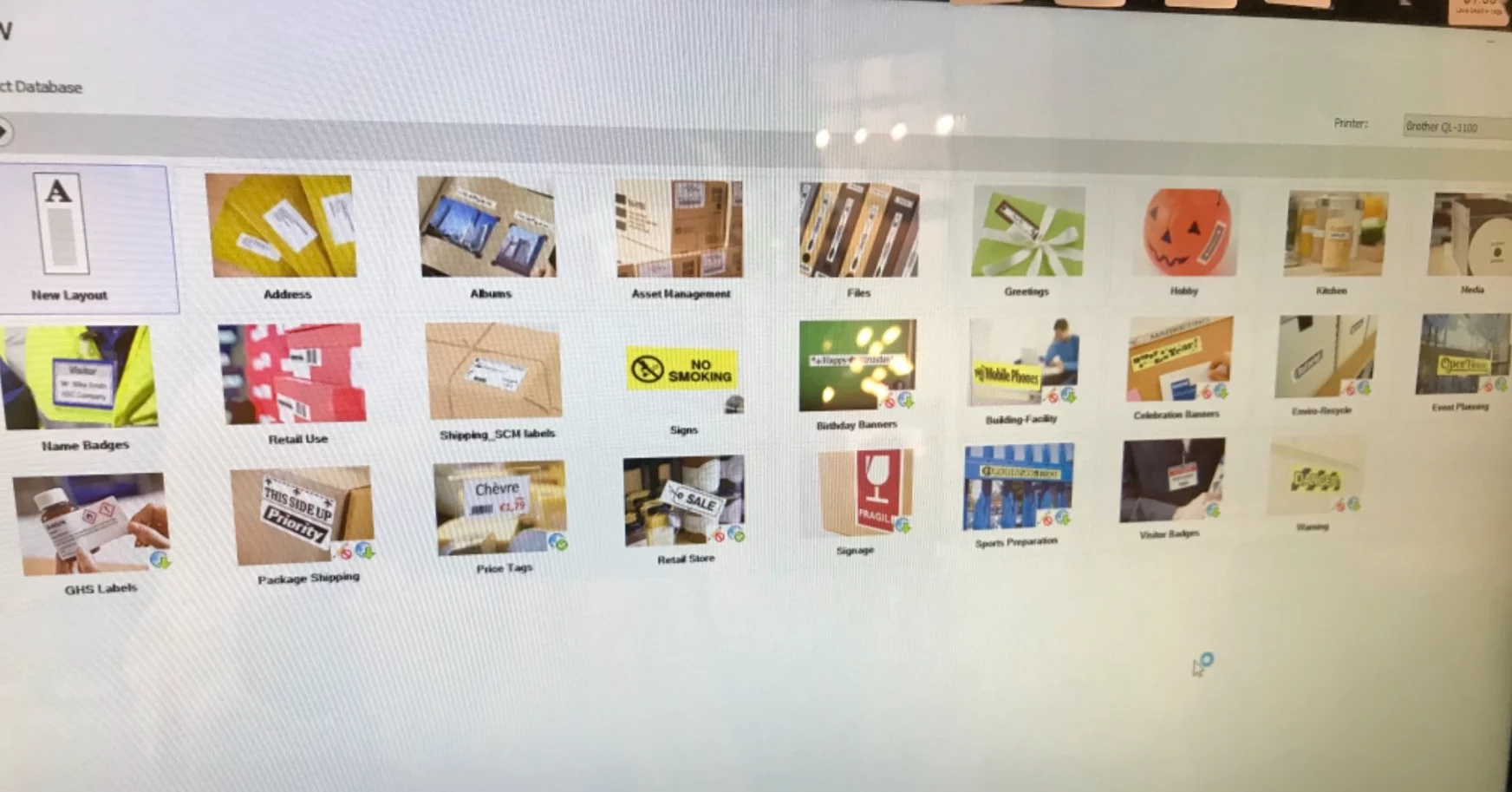
+1
I have always loved Brother products, especially since their monochrome printer 5340D that I bought here. This does not disappoint! It is not plug and...More
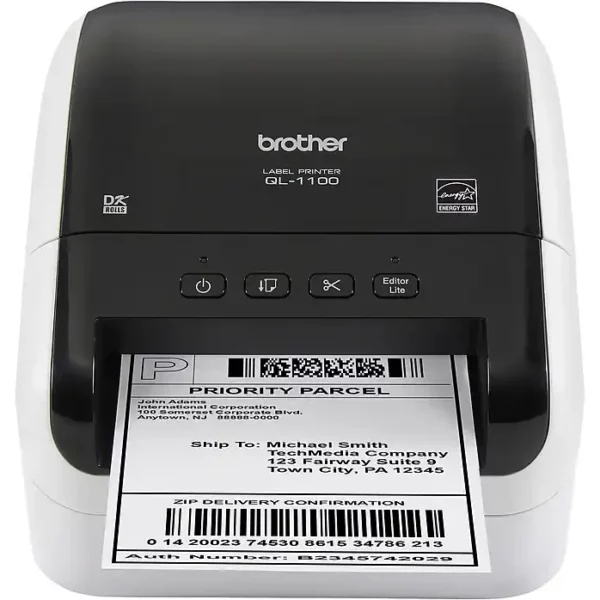
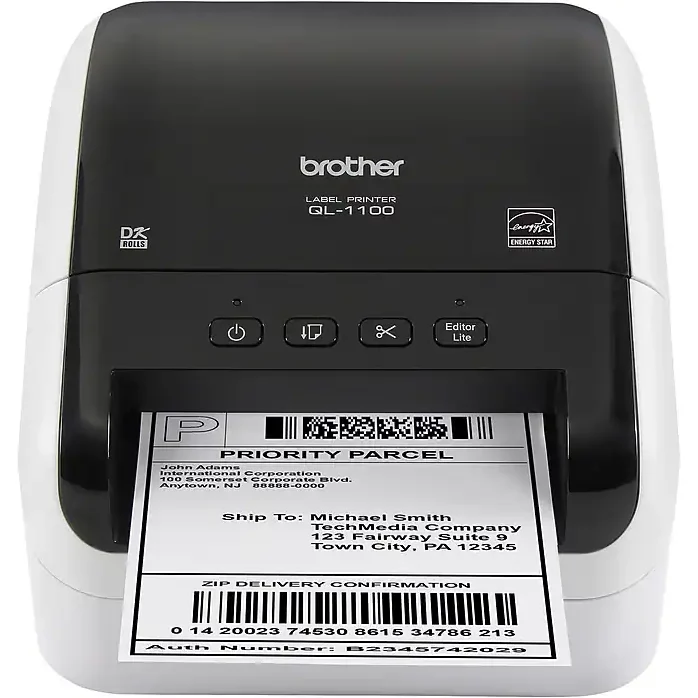
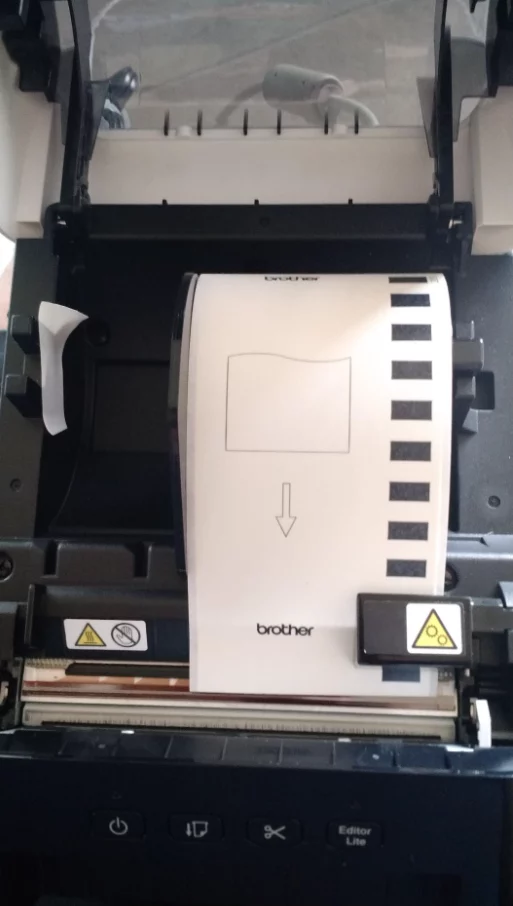
I have always loved Brother products, especially since their monochrome printer 5340D that I bought here. This does not disappoint! It is not plug and play though (always read directions first! lol). Here is a few things I learned to help someone else doing this for the first time. I am so glad I purchased this. saves me so much time from printing, cutting out label and then taping it on for my little craft business! I had troubles feeding the paper this being my first label make. When you open the top and put the paper roll through, you will see on the right hand side a white sticker with a yellow triangle with 2 gears printed on top of a rectangular plastic piece, you need to feed the paper underneath this! I had it going over and when I tried printing it would not work. Hope this helps someone! The other issue I had was which things to download (step #3 below) In the manual is the website to go to install.brother, and do this: Step 1: Product categories click "compact label printer," Step 2: Click your operating system and verison (64 bit etc), Step 3: Here is where I got confused. On this page, there is (4 selections: a. Software/Document Installer b. drivers c. editor tool d. firmware). All you need to do is download the first one a. Software/Document installer. This will install all 4 sections (a, b, c, d) at one time for you. The only scenarios you need the others is if something does not go right and you need to say reinstall drivers then you would download b. drivers only. Or if software is not working right you can reinstall c. editor tool. I am sure most people will not have any issues, as even my issues with minor, I had it up in running in no time. Text is clear, I love that it cuts the labels for you. It comes with labels to start you off, 2 different sizes. I bought these labels (Edit: Confirmed they work, with some instructions below- I have not found any other label yet to work with these) You do need to adjust the paper size for these labels for Etsy & Pirateship. Go into control panel --> Hardware & Sound --> Devices And Printers, then right click on Brother QL-1100, then click on printer properties (not just properties), then on General tab, go to bottom and click on preferences, paper size drop down menu click on 4X6 label in the drop down box. Hope this helps :)
My wife's last Kickstarter was a huge success, netting over 600 packages to ship. BackerKit allowed customers to individualize and include additional ...More
My wife's last Kickstarter was a huge success, netting over 600 packages to ship. BackerKit allowed customers to individualize and include additional items in their packages, but some chose not to add anything, allowing the print of batches of multiple labels. PirateShip (.com, like Stamps .com ) saved her LOTS of $$$ for international shipping without having to pay full USPS international rates. But the old method of printing each label on its own full size sheet of paper, cutting them out to 4 x 6, and taping them to the boxes was getting cumbersome, so enter the QL-1100. Oh, and did I mention that when labels are bought and printed from PirateShip, they have to be delivered to the Post Office on the day you put on the label, so there's no time for mistakes, especially when trying a new printer. So there was lots of pressure to get it done right, and fast. This was the label printer recommended by PirateShip, so I just got it as there was no time to research and try out any others. Computer Software Installation: The driver installation was a snap, only one minor hiccup. The installation program can auto-select the drivers once the QL-1100 is plugged into the computer via the USB, and it did so seamlessly. Nothing seemed to happen for a few minutes during the software install, but I read in the User Guide that sometimes the driver installation status window hides behind other open windows on the screen. So minimizing the browser and other windows, sure enough, there was an open dialog box that was waiting for an input from me. Clicked on that, and it took about 5 minutes to fully install the drivers. Paper Installation: The cartridge is fairly easy to install, but you do have to make sure the label fits under the sensor on the right side of the unit so it can know where the beginning and end of the labels are for the printing and cutting. The User Guide says to insert the new labels such that the arrow on the label is visible outside the unit At first I was worried that this would cause the printer to eject and waste a label, but happily the unit recognized this, and on the first print backed up the label and started at the right spot. Single Print via PirateShip Bought the label on PirateShip normally, then followed their directions on their video to print to the thermal printer. It was the most complicated for the Firefox browser (naturally, that's what my wife used) so after the label was purchased, hit the big 'print' button, right click on the tiny link to open the label in a new browser tab (Firefox can't print .pdf files directly), hit the print button on THAT tab, select the QL-1100, portrait mode, 4 x 6 size, press OK, and a label promptly spat out of the QL-1100. Worked great. Batch Print via PirateShip: BackerKit produces an Excel file that PirateShip can use to populate address information for multiple packages that are all the same size and weight. You have to delete the excel columns that aren't needed (e.g., the customer's Kickstarter user name may not be the shipping label name, so those have to be removed). Once the excel file is ready, the data is transferred to PirateShip, and the package size and weight are put in. Hit the print button, go through the process as above to open new tab and select printer, etc, and on the first try, 36 each 4 x 6 shipping labels were printed on the QL-1100. For the 4.07 x 6.4 inch labels, the QL-1100 cut each one precisely where it was supposed to. Labels. I couldn't afford to mess around with alternate label brands, so i used the Brother labels. They worked perfectly in the QL-1100 and they stick to the Uline and Paper Mart shipping boxes. When I first ordered the printer I was afraid I'd have to put tape over the shipping labels to make sure they didn't fall off in shipping, but the Brother labels stick like iron and there doesn't seem to be any danger of them coming off. They did curl a bit, especially at the end of the starter roll that Brother gives you in the QL-1100 package, and getting the backing off takes a little more effort, but with that strong adhesive I'd rather have that than having a label come off in shipping. Summary: Success!! In both single and batch mode prints for multiple PirateShip shipping labels. No tech support needed at all from Brother.
I found this needlessly difficult to setup with Manjaro Linux / cups 2.4 but once I got it setup using the ppd (downloadable from the Brother website)...More
I found this needlessly difficult to setup with Manjaro Linux / cups 2.4 but once I got it setup using the ppd (downloadable from the Brother website), it works perfectly over the USB connection and printers decent quality labels quite quickly. This printer is only compatible with DK label rolls (a thermal label in a special plastic housing) and the cost of ownership I would argue is worth it given the ease of use; especially quickly changing label rolls. I've used a more advanced model before and once it was setup properly this works just as well over the USB connection.
This printer has been a lifesaver! I can print multiple shipping labels super quick, all at once, and it cuts between each one automatically. I also u...More
This printer has been a lifesaver! I can print multiple shipping labels super quick, all at once, and it cuts between each one automatically. I also use the smaller 2.4” wide label to print product labels. The reason I hated printing labels with my laser printer is because the ink would smear, I would have to tape over the label to protect the barcodes, which defeated the purpose of printing on a label in the first place. I used so much packaging tape (and time!!). Sure the labels from Brother are expensive, just buy the generic ones! All you have to do is look for ones that are compatible with this device (I bought BETCKEY brand and I don’t see a difference). I bought TEN rolls of 4” wide continuous rolls for 4x6” shipping labels, and after 3 months and MANY labels printed, I still have some left on the first roll! Buying 10 rolls at once cut the individual roll price in half, so I figured I could resell some if I wasn’t going through them quickly. I also don’t understand why other customers had issues with printing. I first downloaded the driver directly from Brother’s website. I select the option on eBay and Etsy to print 4x6 labels in PDF form. After I purchase the labels, the PDF opens or downloads, I plug in the usb cord to my laptop, click print and make sure to select the right printer and size of labels (with the Brother sample labels it came with, I had to select something like 4.06” wide, whatever it was it was slightly over the 4x6, because it wouldn’t print with the 4x6 option selected. It would say the size of labels in the printer and what was selected didn't match. When I switched to the generic, it wouldn’t print with the same setting and I found I just had to go back to 4x6. If you get the message that the size doesn't match, but pick some other similar sizes until it does). I’ve even made my own custom labels with Microsoft Word for the 2.4” wide labels. I just set up the size in page setup and plug and print. Super simple. The printing is dark, super clear, excellent quality. And no smearing! And no having to buy ink or toner. Occasionally the blade starts not cutting all the way through, but that's the only problem I've had. This little printer was definitely worth the money and then some. I save so much time buying my labels in bulk, hitting print once, having each print and cut SUPER fast, and just peel & slap them on the envelope. If you do a decent amount of online selling and find yourself spending a lot of time trying to fulfill orders, I recommend you get this printer. You’ll thank me! Update: About one year later and this printer is still going strong with no issues!
This is an above average in quality thermal label printer. There is one major drawback to this QL1100, is that that you are recommended to buy their n...More
This is an above average in quality thermal label printer. There is one major drawback to this QL1100, is that that you are recommended to buy their name brand labels— because they’re different from other labels. So do not think that you can just buy a generic label and use it with this machine, you cannot. So that is the first drawback. The second drawback is that this lasted at me about 10,000 labels. I don’t think that is a good life for this item. The cutter has seem to become misaligned and will not allow the labele to thread, rendering it unusable. I will be contacting Support to see how much they will charge to repair the item. Because you buy this item from , there seems to be an issue with the warranty being honored if at all. So do you consider that also and investigate. The failure that my printer has seems to be common with this model. I have some zebra printers that were cast offs from UPS, so you could imagine they probably did 10,000 labels in a month and they’re still going. I don’t like it that electronics and plastics are put into the environment at a rapid pace like this as trash. For the amount of money that I paid for this, it should’ve lasted much much longer. When it was performing, it did very well. But the expense of item, along with the cost of the proprietary label it requires. I cannot say that I recommend this item.
Regularly bought together
Original price was: $49.49.$40.49Current price is: $40.49.