-18%Sold out



Here are some similar items ...
Original price was: $87.99.$71.99Current price is: $71.99.
Original price was: $96.99.$79.99Current price is: $79.99.
Original price was: $107.00.$88.00Current price is: $88.00.
Original price was: $98.99.$80.99Current price is: $80.99.
Original price was: $69.99.$56.99Current price is: $56.99.
Quick and easy to set up. Has a ton of uses from prescription labels to address labels.
Us it daily and works great. Love the templates and functionality of the software. Easy to understand and use.
perfect
After I read a book and know I’m going to love it and want to own it, I add a sticker/label to the inside to claim it as mine. I used to print out a w...More
After I read a book and know I’m going to love it and want to own it, I add a sticker/label to the inside to claim it as mine. I used to print out a whole sheet of address labels but I no longer own a printer and had used up the labels I had. I needed a new label maker and certainly don’t have the room for a printer! This is perfect and works perfect for small places and printing just what you need. It prints so quickly and so nicely!
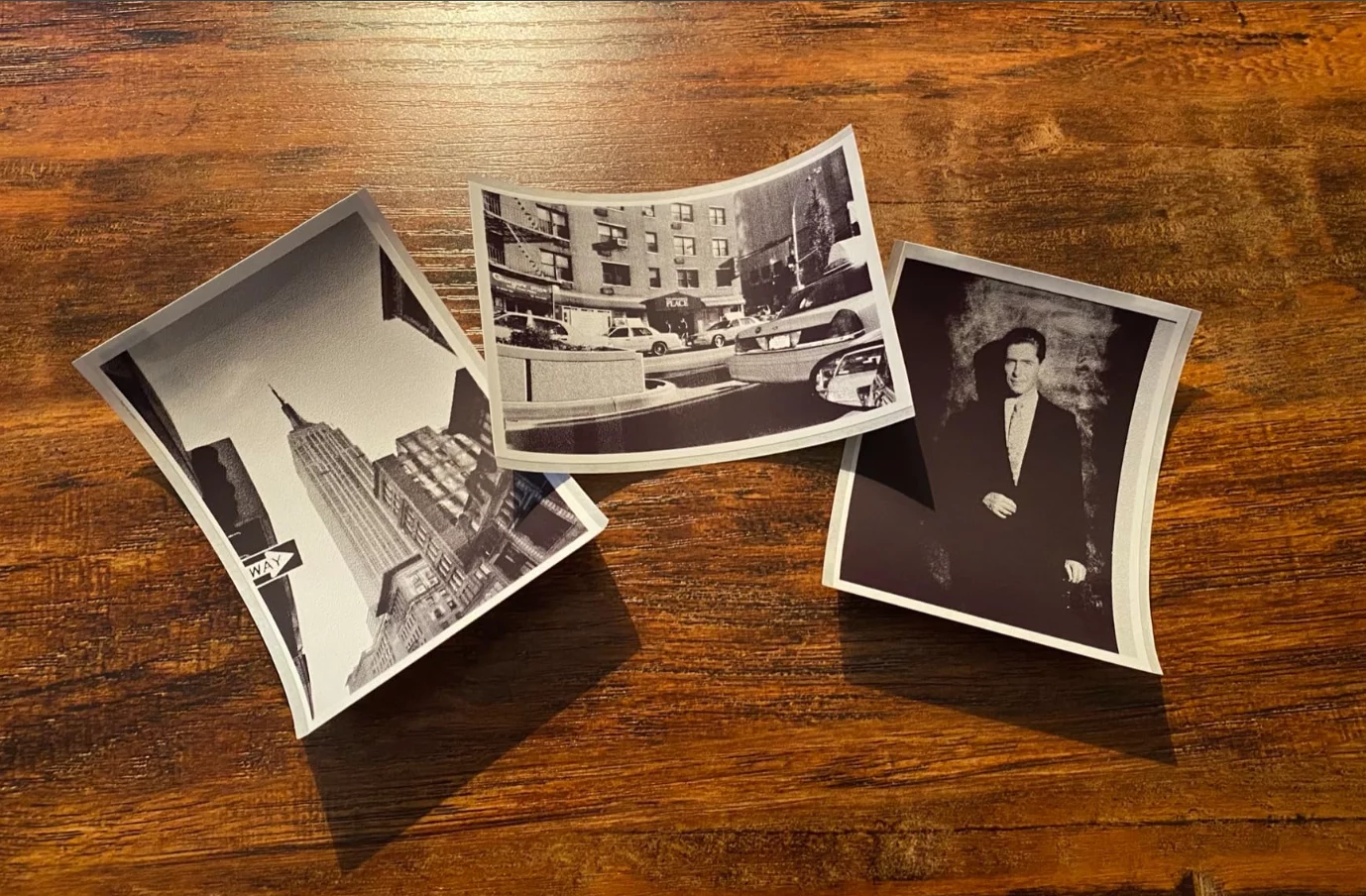
I send a few letters out a week with gift cards. Doesn't sound like much, but I procrastinate the task due to having to address them. I set up a templ...More
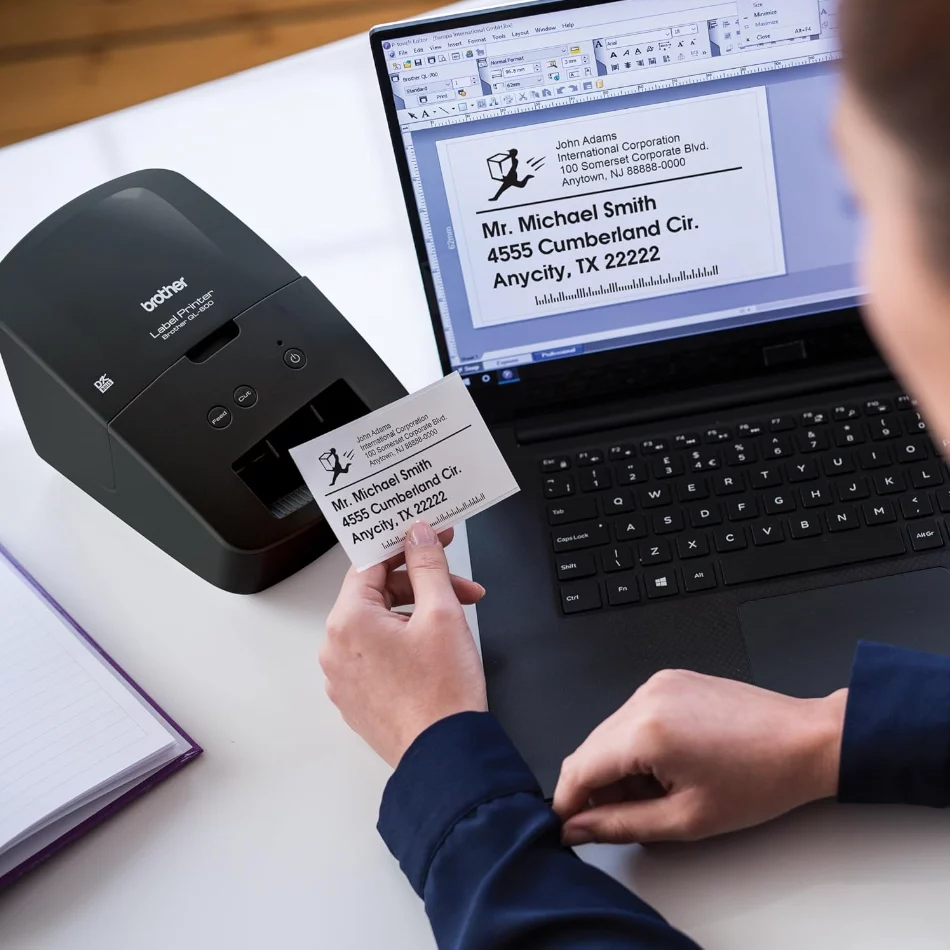
I send a few letters out a week with gift cards. Doesn't sound like much, but I procrastinate the task due to having to address them. I set up a template and easily copy and paste the recipient's address using the P-touch software. The label includes the return address with a logo and the mail-to address. I believe there are warnings that this does not print standard FedEx and UPS shipping labels. So be mindful of that, but for me, the mailing label is fine. Second task it quick labels for storage boxes. Again, simple and fast.
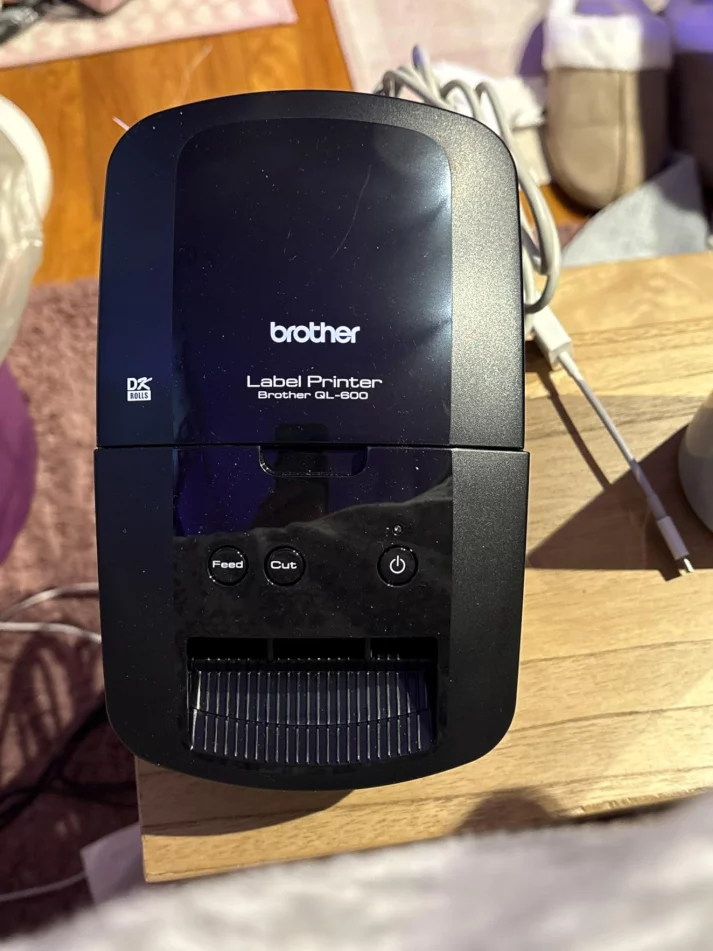
I'm not much for writing reviews, but this machine had no reviews when I purchased it, so here we go. Pros: - Works great. - Feels like a tank. - Look...More
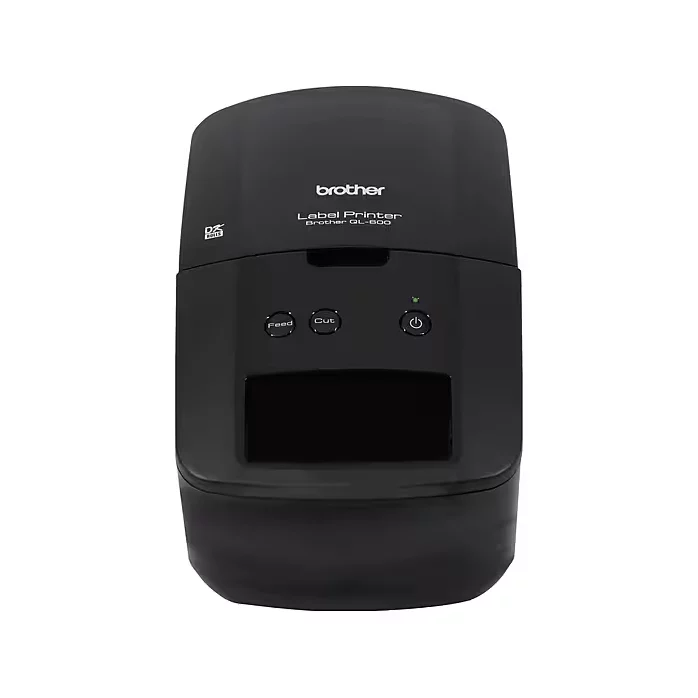
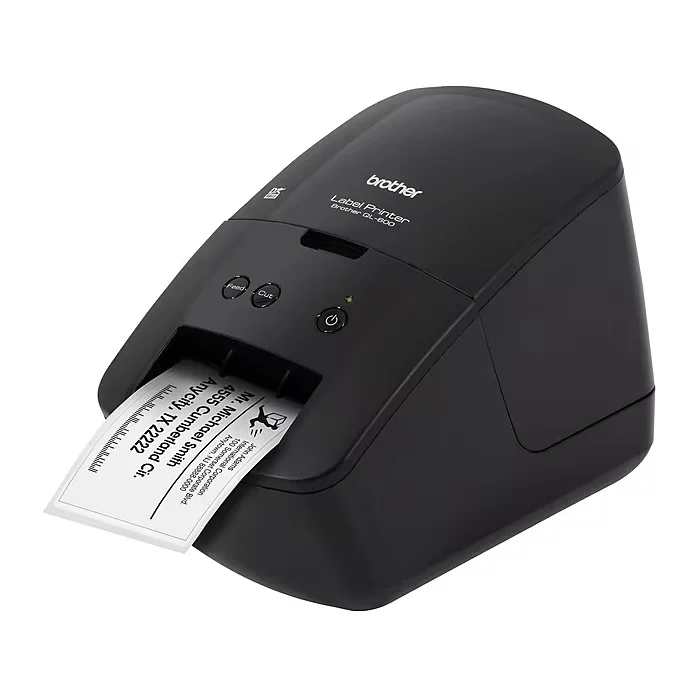
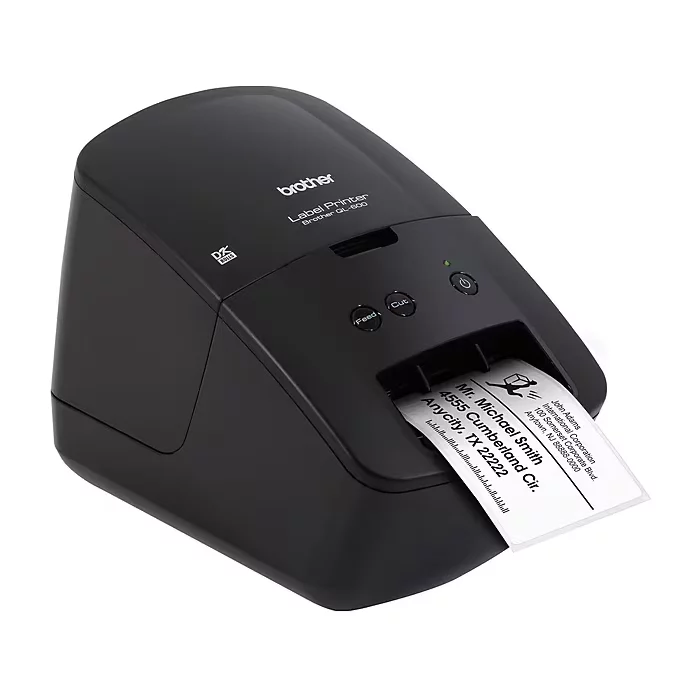
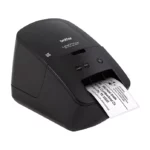
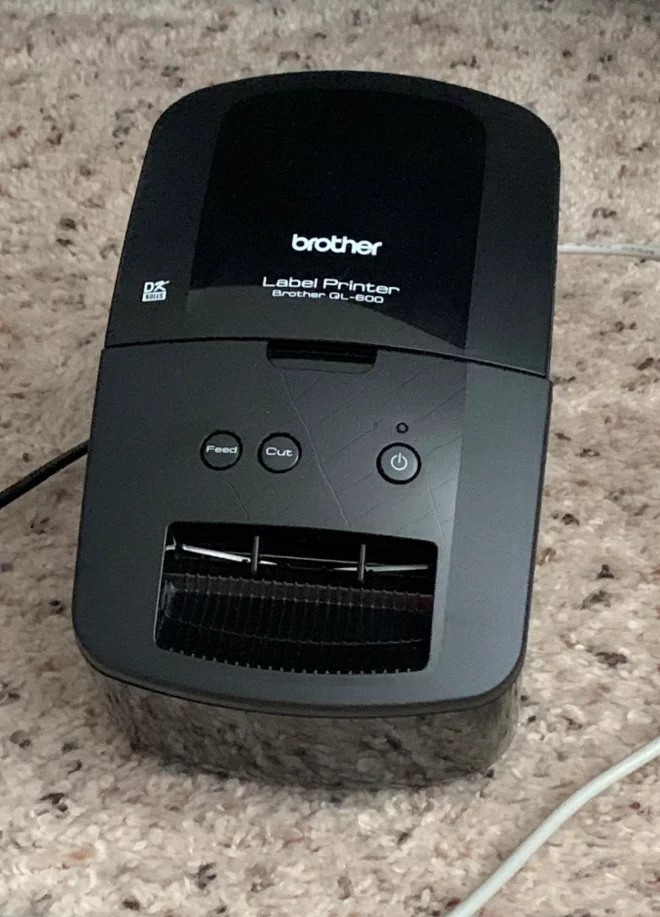
I'm not much for writing reviews, but this machine had no reviews when I purchased it, so here we go. Pros: - Works great. - Feels like a tank. - Looks nice. - It's a brand new model so it has a long service life ahead of it. - Cost is very favorable against other similar models. (This might be because I was the first one to purchase it on .) - Built in cutter cuts labels off after printing. - Prints directly from Google Chrome, should work with anything, without any extra software / bloatware. Only the drivers are needed. (Running windows 10) - Lots of label types available. Nice Touches: - The unit includes a USB cable, I haven't opened it but it looks to be a 1M long cable. - The unit does NOT need a power brick, it includes a straight line power cable from the wall to the unit. It's detachable for transport. - Unit doesn't seem to care about non-genuine label usage. There doesn't appear to be any functions for the printer to refuse to operate with such labels. However usage of these labels are at your own risk. (And may void your warranty.) I bought this unit with the intention of printing (almost exclusively) mailing labels. My volume of mail isn't enough that I need to print whole sheets at once, and doesn't warrant attempting to connect a laser printer to the network to print directly onto envelopes. However the volume is large enough that writing addresses is a chore. This unit is fairly small, and should easily fit into most deep drawers in an office setting if you intend to pull it out for use occasionally. I wouldn't recommend laying this unit on it's side in such a drawer though, it looks really nice and you might scratch it. Some cons of the machine: - It's lots of shiny plastic. Shiny plastic LOVES to collect scratches that make it not shiny. For the majority of people this will never be a concern. For the select few people that plan on taking this in a tote bag somewhere, you're going to want to put it in a separate cloth bag to protect it if you want it to remain shiny. - Not Rugged. I mean, it's quite obvious. If you intend to use this in a factory for mailing labels or product id labels, it'll work fine as long as the environment doesn't have any latent oil spray / mist in the environment. It's not sealed so it likely wouldn't last very long in an environment with anything more than some dust in the air. - Looks like it'd be difficult to clear out a jam. I haven't reached that point yet, but initial looks are that it's a complete tear down if something gets jammed between the feeder and the exit/cutter. (And a piece of paper folded over a couple times can't un-jam it) I was torn between Dymo and Brother for label printers, a few friends had indicated that they've used Brother products extensively in the past, so I choose this new Brother as my label companion. I hope to get a long service life out of it. Not including photos in the review because the unit looks exactly like in the pictures. Minus the fact that none of the pictures show the power or USB cables connected. If anything arises I'll update this review. Feel free to ask questions as well.
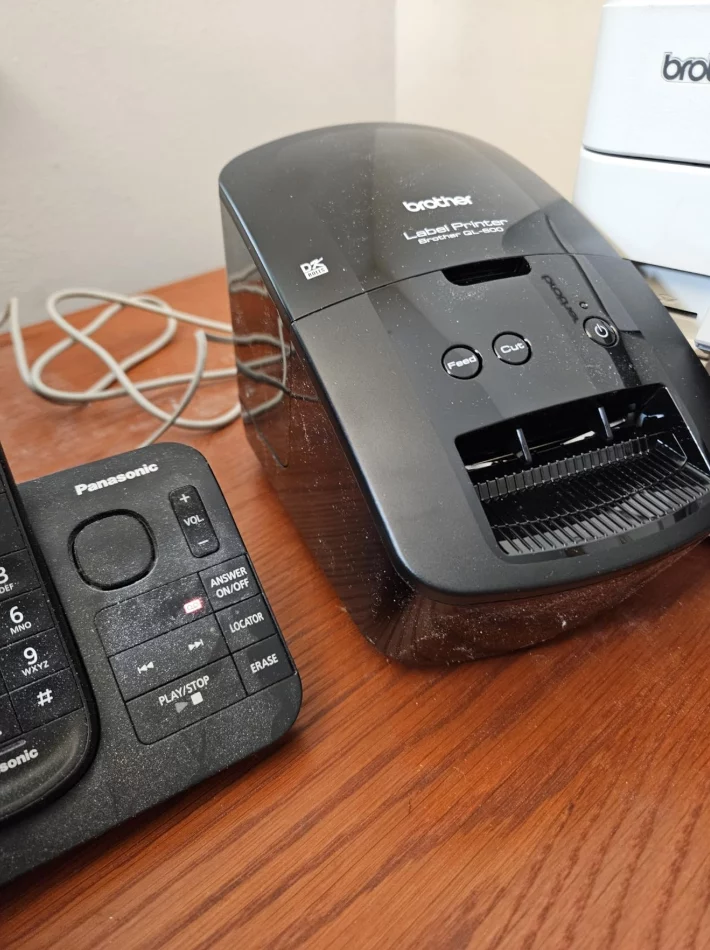
I do a LOT of shipping and I wanted to replace my Dymo Labelwriter 450 (it keeps printing lines and the recommended cleaning didn't work no matter wha...More
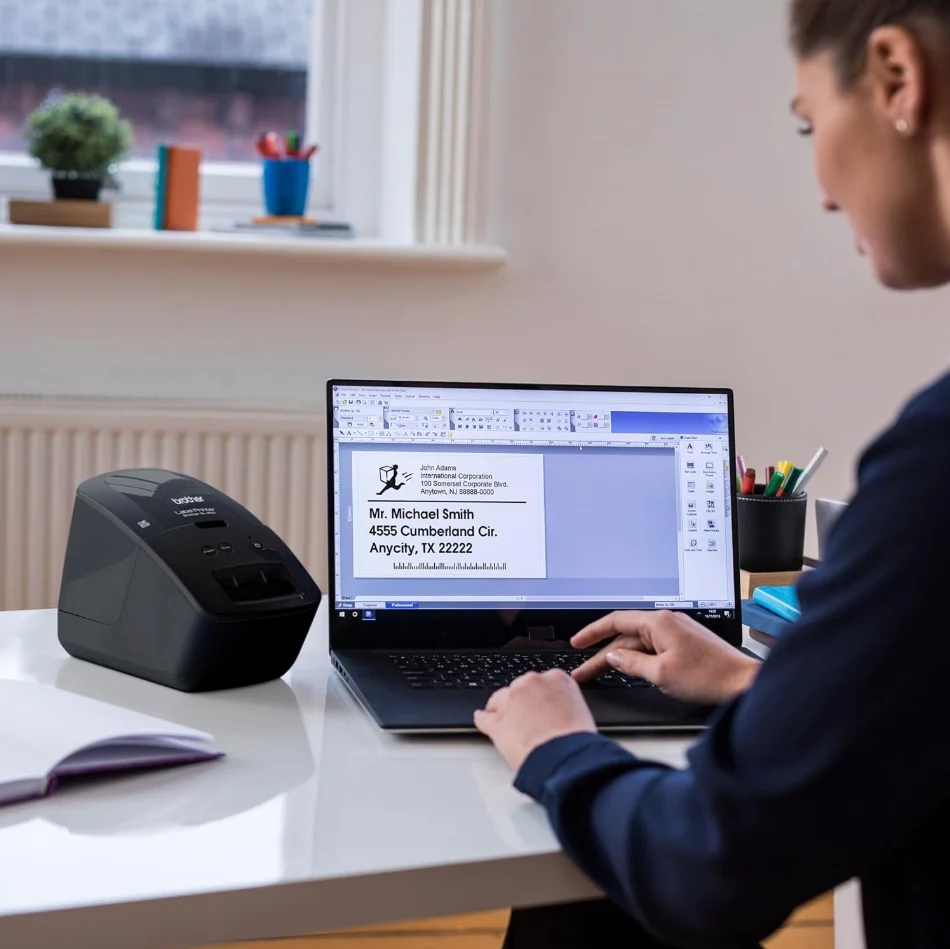
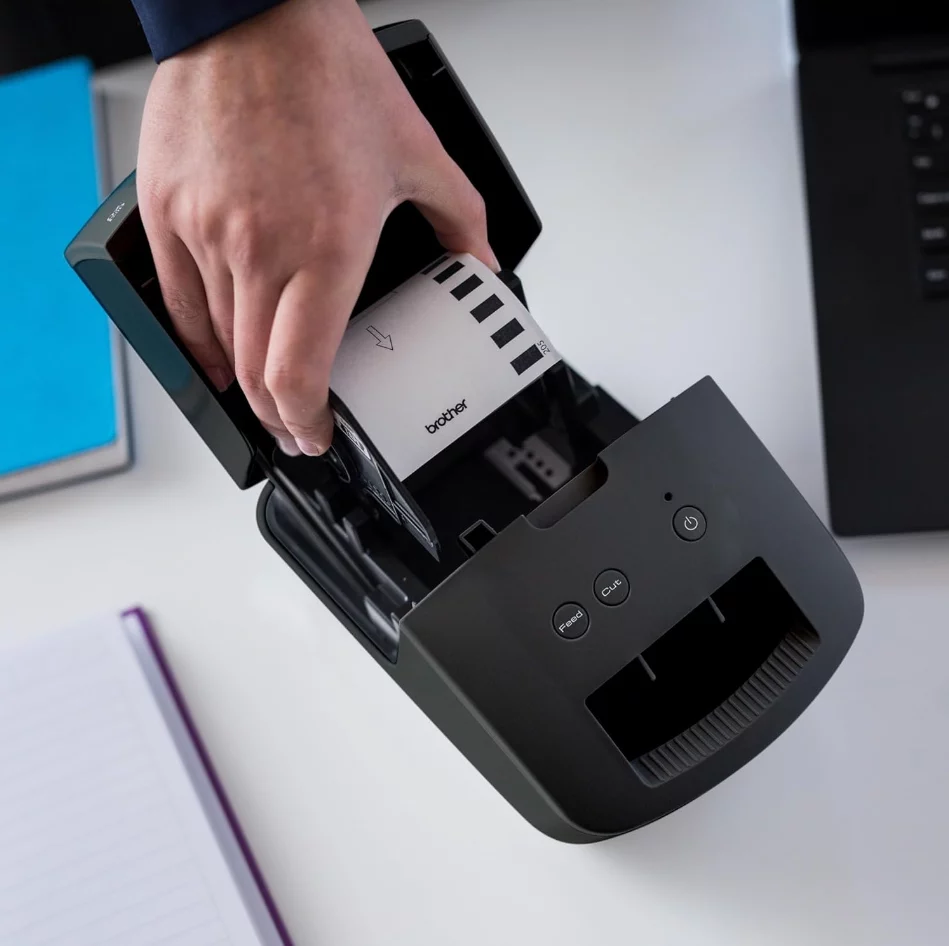
I do a LOT of shipping and I wanted to replace my Dymo Labelwriter 450 (it keeps printing lines and the recommended cleaning didn't work no matter what I did). I needed something easy to use with great quality. This printer fits the bill and it was exactly what I wanted! SET UP: It's easy to set up - you just plug it in, set the labels in the slot (super easy), let the PC recognize it, download the driver and the P-Touch Editor, and you're done! CREATING LABELS: I opened the P-Touch Editor, selected the label size (I got the 2-inch continuous feed), and created a label for myself. It printed very quickly and it cuts itself! CONTINUOUS LABELS: I realized that if my customer's name is long, I just make the label longer by clicking on the end of the label in the editor and dragging it to the right length. Since the label cuts itself (a setting you can turn on or off), it's always the perfect size! EXTRAS: I can add photos, images, clip art, whatever to the label and it prints beautifully. The software comes with about 100 fonts so there are plenty to select. I can connect to databases and Excel spreadsheets to import addresses. And, I can include barcodes, frames, tables, pictures, symbols, and calendars! Excellent quality and way more than I expected! I'm super happy with my purchase!
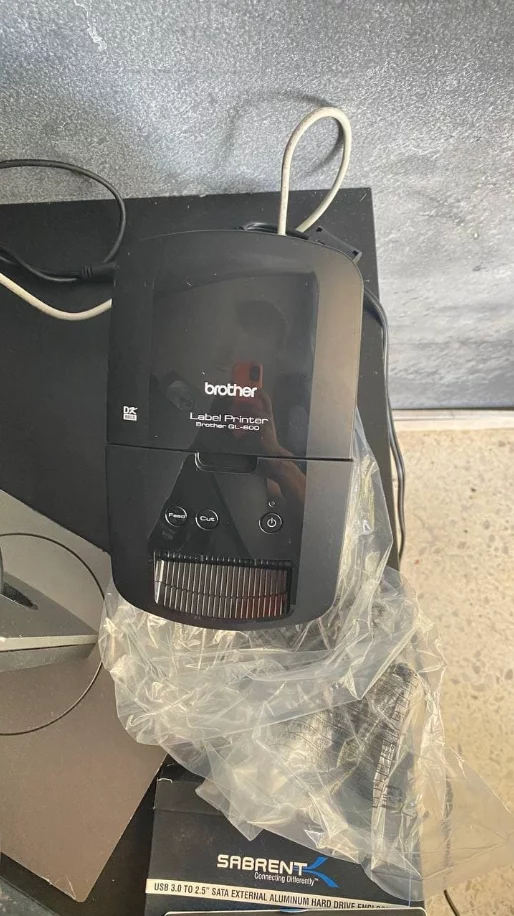
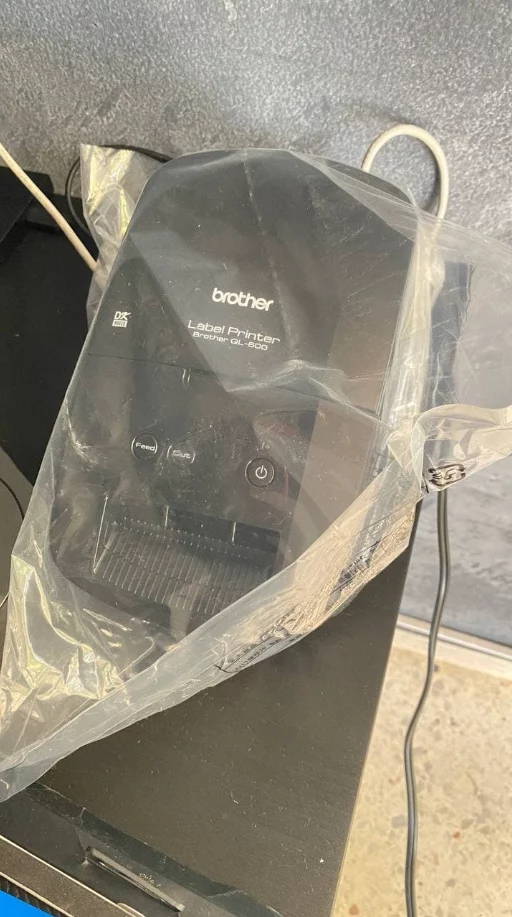
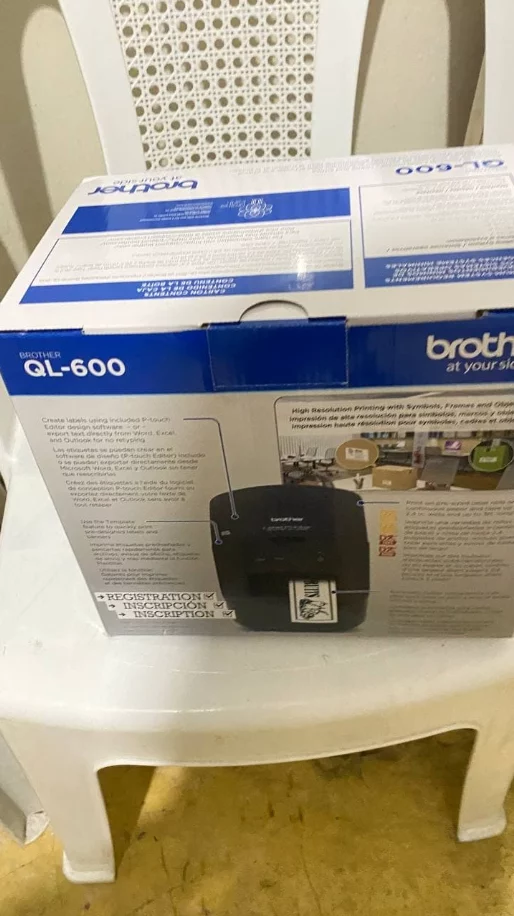
+3
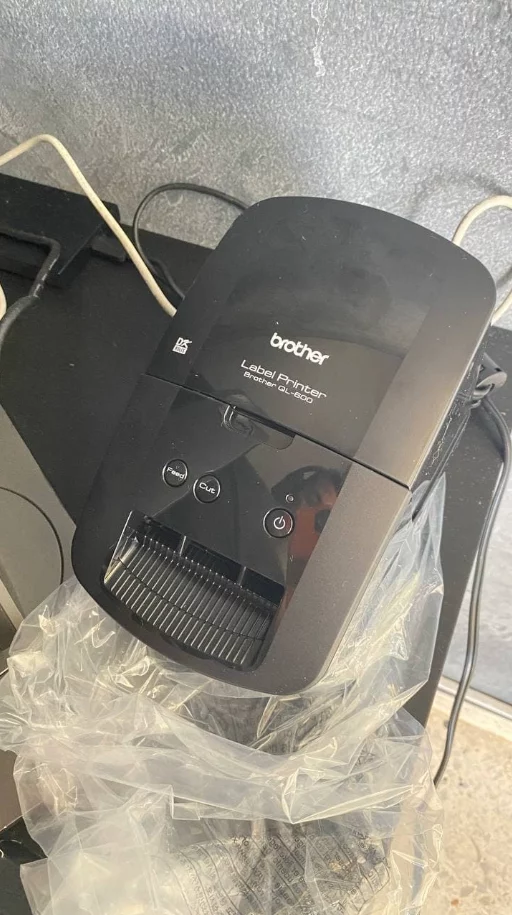
Really big printer labels don't come out face up but backward. I had a ql570 which is smaller but picture of replacement is not accurate. This was a c...More
Really big printer labels don't come out face up but backward. I had a ql570 which is smaller but picture of replacement is not accurate. This was a complaint. The product is good quality. The model I had was an older model i had for 20 years.. I had arthritis in my joints, so i print labels on envelopes without writing anything. Good support from company which is always busy, but they do call you back.
The unit has to be connected with included USB cable to a laptop or computer to print the labels from an online app. It has no wifi feature to print f...More
The unit has to be connected with included USB cable to a laptop or computer to print the labels from an online app. It has no wifi feature to print from cellphones. It's well made, compact ideal for home or small business use.
This printer works well but is NOT compatible to Office 64bit. You may or may not be able to covert your office to 32bit without buying another licens...More
This printer works well but is NOT compatible to Office 64bit. You may or may not be able to covert your office to 32bit without buying another license. The included software is ok but can be difficult if you want to change one of their predefined labels in their Address Book app.
I missed my address label printer. This prints larger labels as well as smaller address labels (which I use) and couldn't be happier. I gave it 4 star...More
I missed my address label printer. This prints larger labels as well as smaller address labels (which I use) and couldn't be happier. I gave it 4 stars because it's impossible to use anything other than Brothers labels since the labels come already attached to the spool. This spool "drop in" is unlike any other.
Seems great for job at hand plenty fonts to choose from. Watch video for setup and download file.
Regularly bought together
Original price was: $49.49.$40.49Current price is: $40.49.