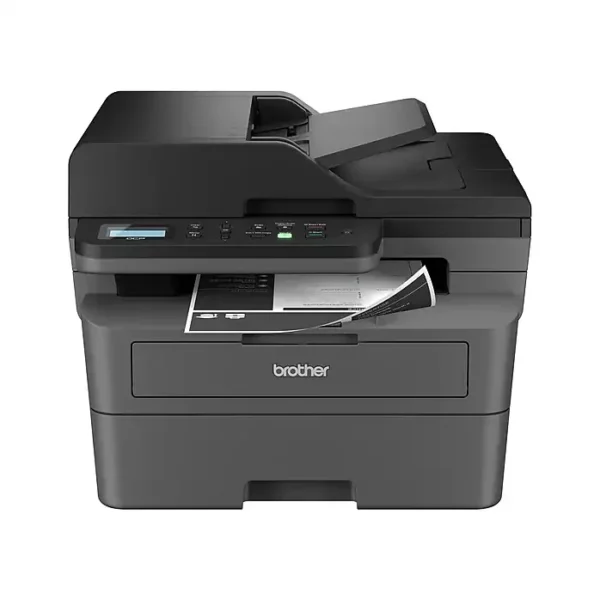
-18%Sold out
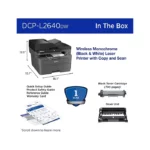
Here are some similar items ...



Original price was: $87.99.$71.99Current price is: $71.99.


Original price was: $107.00.$88.00Current price is: $88.00.


Original price was: $65.00.$50.00Current price is: $50.00.


Original price was: $96.99.$79.99Current price is: $79.99.


Original price was: $92.00.$75.00Current price is: $75.00.


Original price was: $75.99.$62.99Current price is: $62.99.


Original price was: $69.99.$56.99Current price is: $56.99.
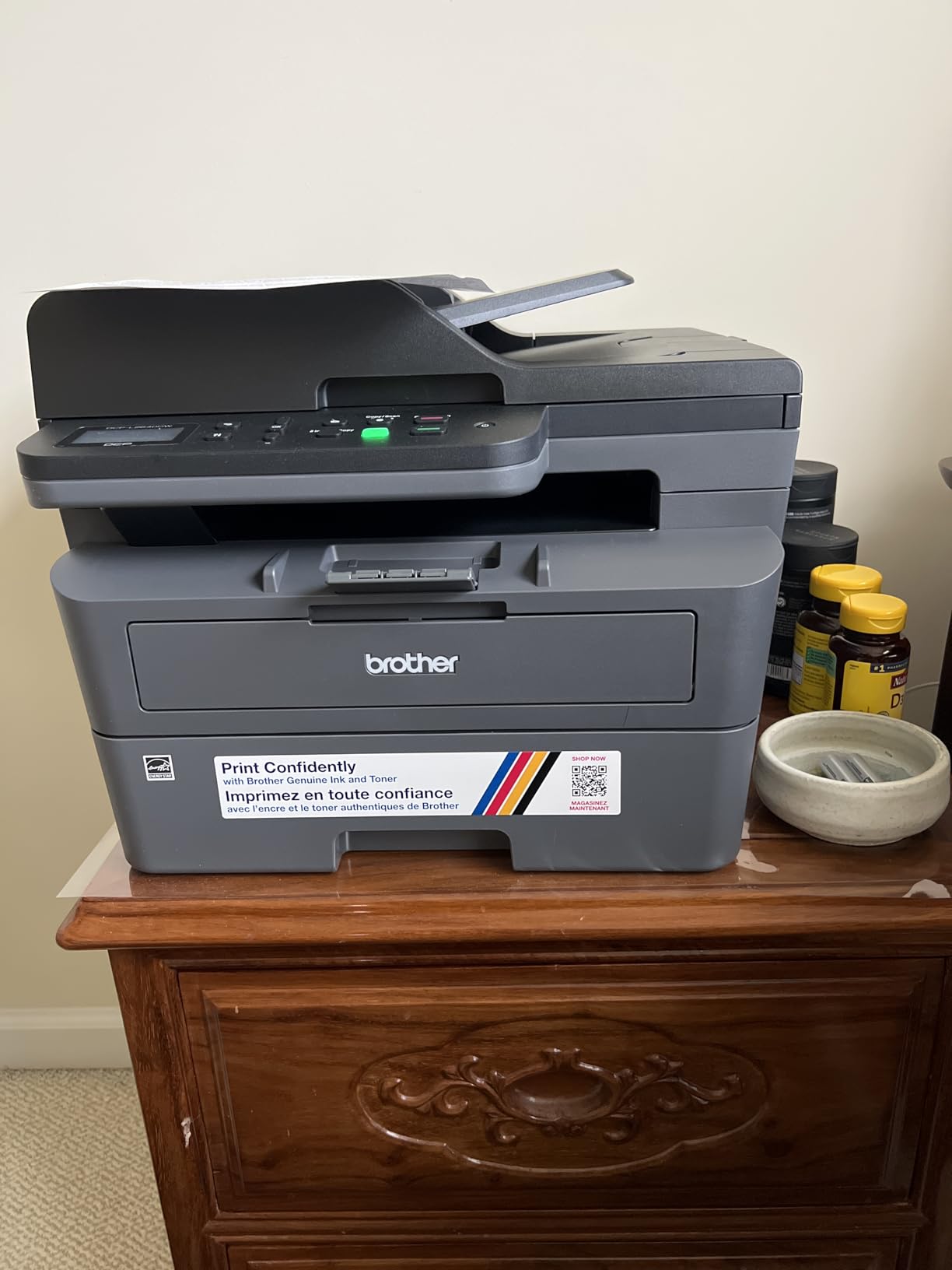
This meets what I need, which is a printer that only needs to be used a few times a year without any issues. Getting it connected to the WiFi was eas...More
This meets what I need, which is a printer that only needs to be used a few times a year without any issues. Getting it connected to the WiFi was easy. If you have a long password, it’ll take a while to punch it in. I didn’t have to download any drivers to my laptop for it to work. Once connected to WiFi, I was able to find the printer and print easily. I also printed from my Mac as well as my iPhone all without downloading drivers and doing it all through the WiFi. I took off 1 star because it does take a minute for it to print so you’re left wondering if it went through but you I just gotta trust it. And it’s quite loud when it does finally print.
Good printer. Setup wasn't too difficult. Installing the toner cartridge and drum assembly into the printer was easy. Wi-Fi setup was ok. I choose to ...More
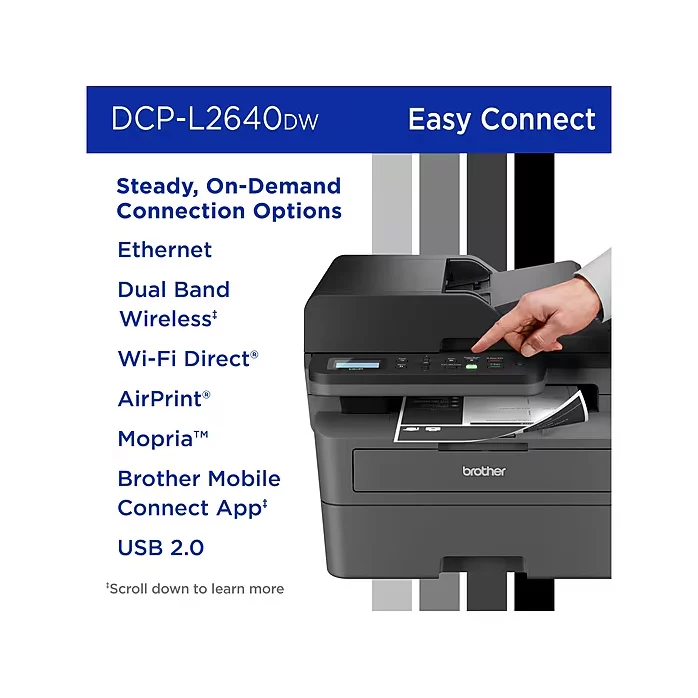
Good printer. Setup wasn't too difficult. Installing the toner cartridge and drum assembly into the printer was easy. Wi-Fi setup was ok. I choose to set up my connection up without using a cable. I used the control panel on the printer itself. On the quick set up guide, step 8 gives good instruction on how to set the Wi-Fi up using the LCD screen, but one key step they left out is that after you enter you password (Network ID), you have to press AND hold the "OK" button to get it to accept. THEN, you'll see the accept message pop up. This maybe be a "duh" moment for some, but it took a few minutes for me to figure that out. After I did, the Wi-Fi connected instantly. Another issue I ran into was entering the password to download software on my computer. The password is located on the back of the printer. So, I would recommend maybe writing the password down or snapping a picture of it w/ your smart phone prior placing your printer to where it's going to go. Otherwise, once you get the printer situated, you may have to do some moving around and adjusting the printer (like I did) to get the password from behind the printer. After writing the password down, I entered it and the dialog box stated the password was incorrect. I found that the letter "O" I entered was actually the number "0". So, if you run into an issue where the password is incorrect, you may have input the wrong character. Also noteworthy, when entering the password, there is no feature to you reveal what you're inputting. When entering the password, it just shows black dots for privacy. This may be cumbersome for some I can imagine. Other than that, the printer works great. It is kind of loud, but I can deal with that. It prints fast. The scan feature works well. The instruction manual does not come with the printer, it can be found online. The manual is massive (like 600+ pages). But on the Brother website they have it in sections to where you can locate whatever it is you're trying to do. This is my first day using it, but as of now I am satisfied and I anticipate getting many years of use out of this printer. From reviewing the manual, it appears to do more than I thought. I think it's worth the purchase.
Only had the the printer 8 days but so far it is working great. Only time will tell how it performs over time. We don’t use printers very much, mostly...More
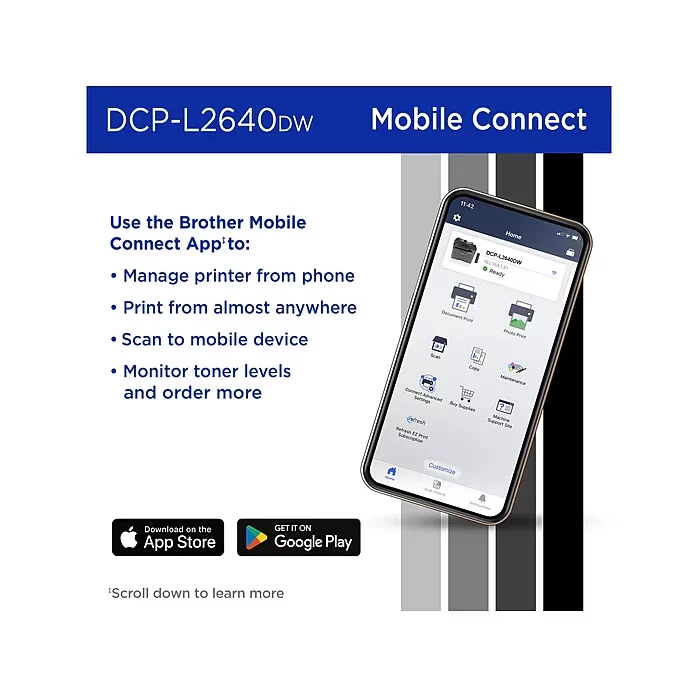
Only had the the printer 8 days but so far it is working great. Only time will tell how it performs over time. We don’t use printers very much, mostly return labels for packages. However, printers can be finicky and they are complicated machines. That’s why I decided to buy the extended 3 year warranty. Easy setup, quite and has controls that are simple to understand. The app is great also.
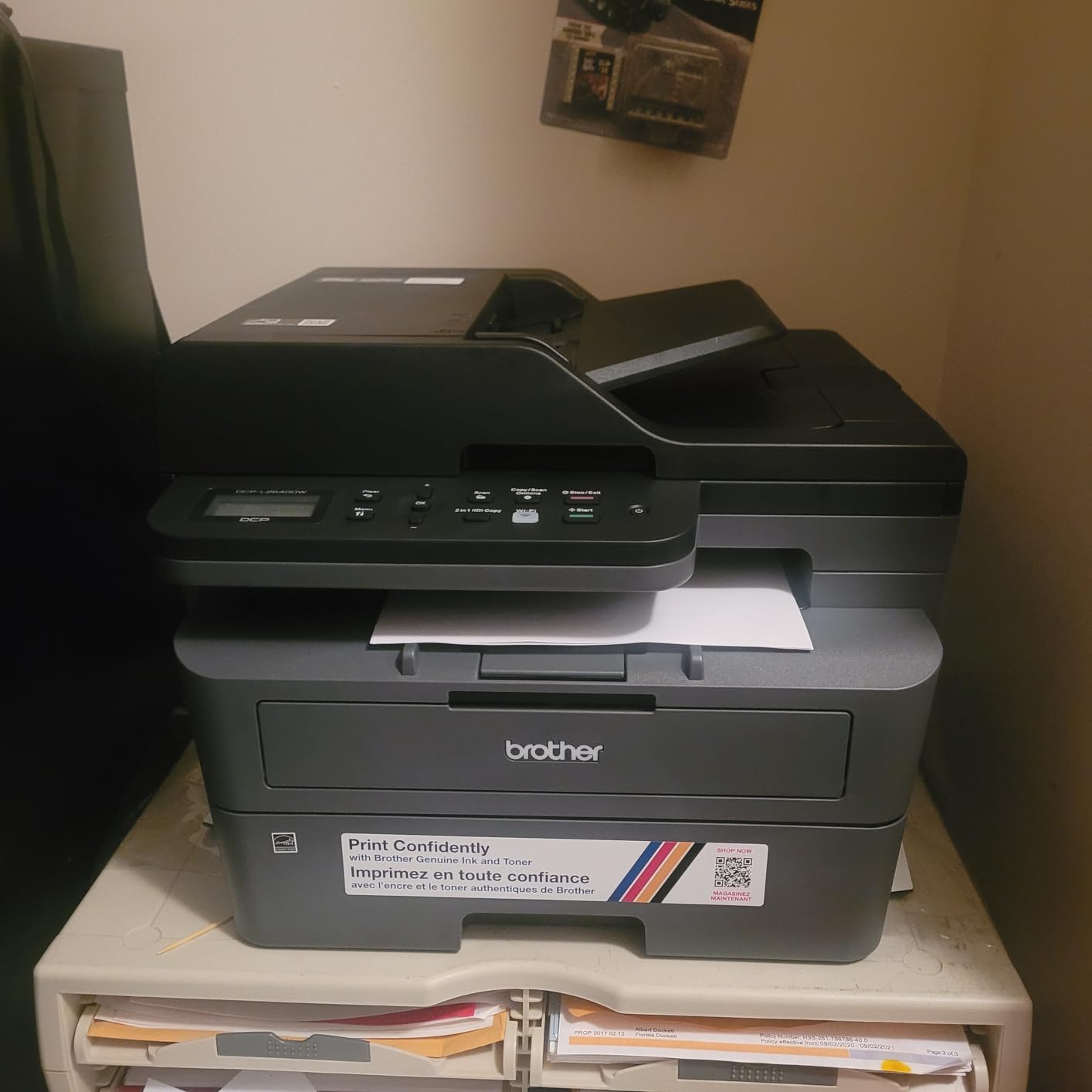
This is the first brother printer I’ve purchased and might be the last printer brand I will ever purchase. Granted it’s only monochrome, but laser pr...More
This is the first brother printer I’ve purchased and might be the last printer brand I will ever purchase. Granted it’s only monochrome, but laser printer quality is unmatched. Printing speed is fast, the auto-document feeder is a very nice touch. Very very efficient on toner use, I’ve printed over 600 pages and I’m still using the starter toner, haven’t changed it yet! Amazing efficiency. The mobile printing app is a godsend for iphone users, very straightforward and gets consistent update. I’d recommend buy a printer cover to keep the vents, ADF, flatbed, and any exposed parts safe from dust. 10/10. Simply amazing product.
Now I understand why this is great for my home use. 1. If not being use often, ink will not dry up like ink jet cartridges and cause printer problems....More
Now I understand why this is great for my home use. 1. If not being use often, ink will not dry up like ink jet cartridges and cause printer problems. 2. Speed 3. Easy set up. If you're not computer. savvy get help 4. Only black print 5. Print from downloaded app on phone also computer. 6. Wifi and Bluetooth compatible 7. Scan copy and print no fax These are some of the many reasons why I purchased this and I'm satisfied. It's lightweight too but it's been only a couple months since purchased so we will see how long it stands the test of time.
I wanted a multifunction laser printer because I don't print that frequently, and while inkjet printers are generally less expensive, the total cost i...More
I wanted a multifunction laser printer because I don't print that frequently, and while inkjet printers are generally less expensive, the total cost increases substantially with the ink you need to buy. I also don’t have a need to print in color or print photos, so this monochrome laser printer was both cost-effective and much better suited for occasional printing (laser toner doesn’t need to be replaced if you haven’t used it in a while). Overall, I think this was a good choice, with some caveats. The things I liked: The total cost of ownership for a laser printer like this is going to be much lower than a less expensive inkjet printer when you factor in the higher cost of the ink. The printer starts up quickly and warms up from its sleep state quickly. Some laser printers I’ve used in the past could take minutes to get back to a state where they’re ready to print. It prints very quickly. It’s probably the fastest printing laser printer I’ve owned, and I’ve had no problems so far with paper jams or the printer pulling multiple pages when printing. It supports full color scanning up to 1200 DPI and the scanner works with both the Brother iPrint&Scan app as well as the standard Windows Scan app (which is what I tend to use). It supports duplex printing which actually works. Over the years I’ve dealt with printers that claimed to support duplex printing, but it would end up being a hassle with frequent paper jams, etc. So far, this printer has handled it well. One thing to note is that duplex printing is the default, so if you want to print only on one side of the page, make sure you adjust the settings. The things to be aware of: If you’ve primarily used inkjet printers, you’ll notice it will be considerably louder. It’s not a particular defect of this printer, it’s just the nature of how they work. Something to be aware of, particularly if you have it sitting near you. That said, when it’s idle, it’s completely quiet. If you’re going to use it as a wireless printer, it’s going to require you to install an app on your phone and go through this entire routine, connecting your phone to the printer to configure the printer so it knows how to connect to your network. It’s likely that your printer will require a firmware update. Whenever you install the software, it will tell you if you need to do this. If so, they make the process more complicated than it needs to be, requiring you to find a “password” printed on a label on the rear of the printer, which they require you to change through a web interface before the update can be installed. This is definitely not a user-friendly experience, particularly for people who are not tech savvy. The things I do not like: None of the following issues are related to the hardware at all or how the printer itself works, or the drivers for the printer. It’s about the iPrint&Scan application and related software. The default installation of their software will inundate you with “special offers” and constant reminders about buying toner cartridges from them. If you pay close attention during the installation process, you can opt-out of some of this, but as we all know, most people just click OK through installers, and you’ll end up getting (very) large popup windows being displayed on your desktop. Installing their software creates a number of completely unnecessary startup and background services, particularly if you use it wirelessly (as most people would). One of those startup apps isn’t even used anymore by their software because its functionality was integrated with their main app, but still, they install it and launch it every time you boot the system. They also install this marketing app called “PowerENGAGE” that is supposed to “engage” with you (in other words, show popups to buy things from them). It’s installed as a background task that runs 4 times a day, and if you try to uninstall it, it will silently try to automatically reinstall itself. This is beyond obnoxious, and Brother needs to remove this completely. Another problem which would probably be invisible to most users, is a defect in their software which will cause the system event logs to be flooded with spurious error messages (at the rate of it reporting an error literally every second that the system is running). The only way to fix/prevent this is to edit the system registry. This is obviously bad and something they really need to fix. All of these software components I’ve mentioned can be disabled/deleted and it will have no negative affect on the actual functionality of the printer itself. It’s really nothing but bloatware which serves no real purpose for the end-user. Final thoughts: Overall, I think it’s a solid multifunction monochrome laser printer, sold for a very reasonable price. If you are comfortable with disabling startup tasks, changing system services and editing the registry, then all of the problems I’ve described above can be mitigated. If you are more of a novice with computers, then configuring the printer may be challenging and the problems I’ve listed above won’t prevent you from using the printer, but it can negatively affect system performance and will definitely annoy you.
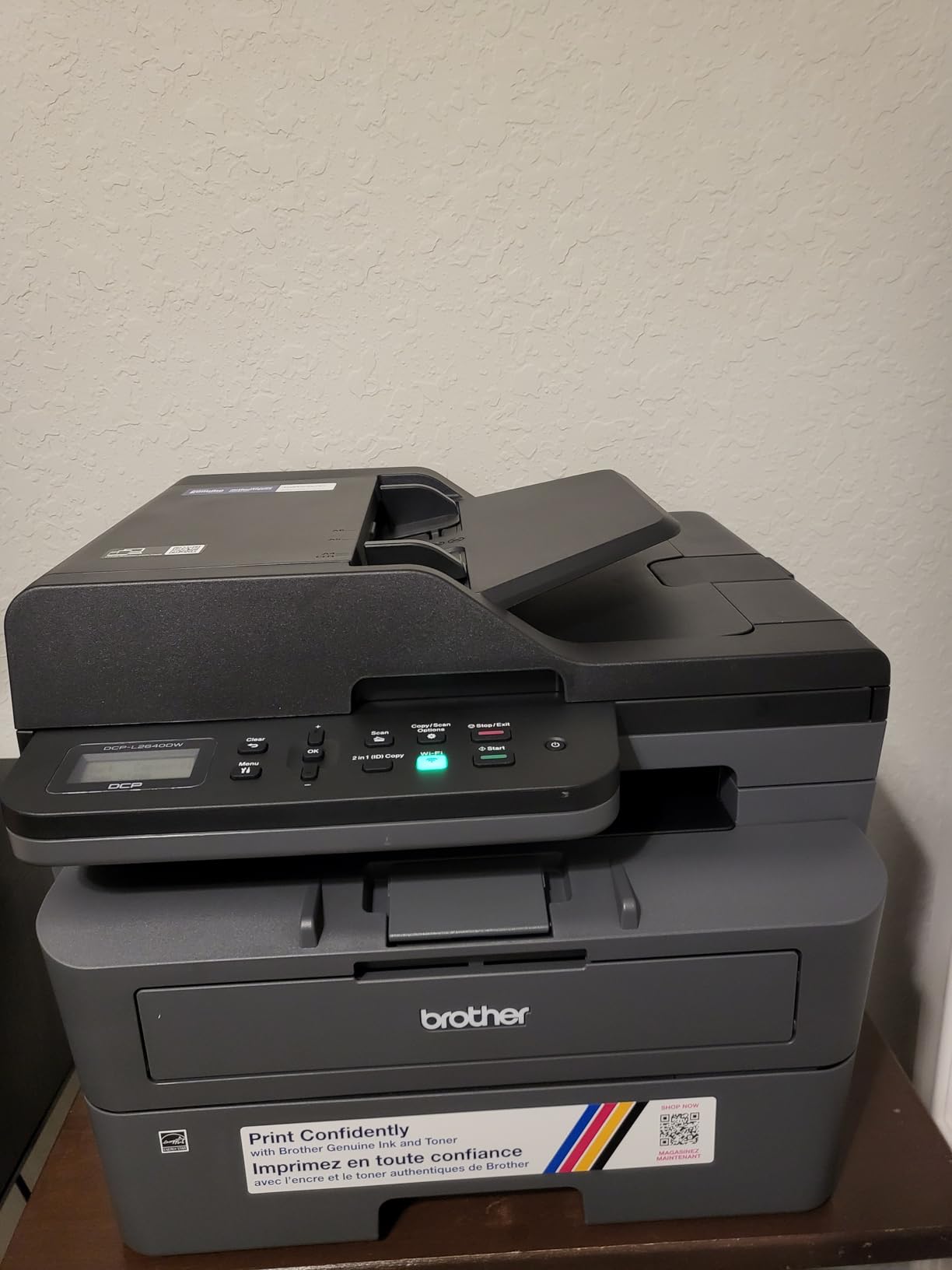
This is a fantastic printer. It is quick, runs well, and provides dual sided printing. I bought it because Cannon and HP got greedy with their inkjet...More
This is a fantastic printer. It is quick, runs well, and provides dual sided printing. I bought it because Cannon and HP got greedy with their inkjets, e.g. arbitrary "you're allowed to print 30 pages per month", blocking attempts to refill cartridges, bricking the scanner feature if any ink runs out, etc. I hope Brother can stay away from that because it's a major reason to abandon injet. Also I don't print a lot, so toner doesn't dry out like ink cartridges. Obviously it doesn't print color, and injets still excel at photos especially with their ability to accept any paper type (textured paper). If you're in the vast majority of use cases where that doesn't matter and you still need color without the injet hastle, Brother also makes reasonably priced toner-based color printers to consider as an alternative. The main difference is many of those use LED strips at 600 dpi instead of this printer's laser technology (each color needs its own light source because of the way toner transfer works, so LED is simpler, cost less, and has no moving parts compared to 4 laser arrays for each color). 600 dpi is usually good enough, but in comparison you can ramp this black/white printer up to 1200 dpi if needed, which moderately improves photo/graphic prints without significant slowdown. This printer is great for the majority of print jobs. The speed and dual sided printing makes this a much better value for most home office settings, and the picture quality for black/white is still reasonable.
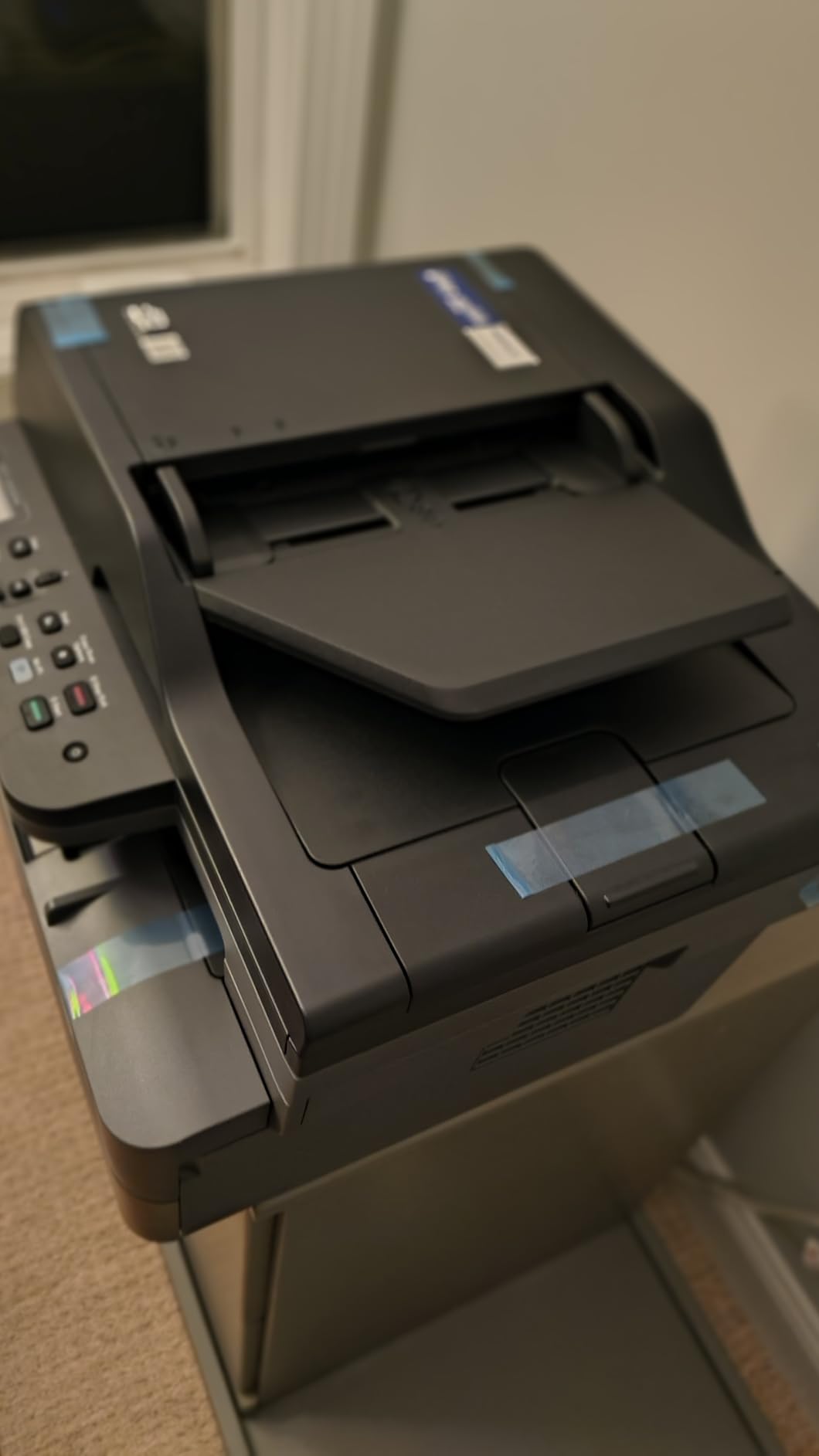
Got this networkable printer to replace old, non-network, but still functional, Canon MF4150. I just got tired of trying to share the USB connection f...More
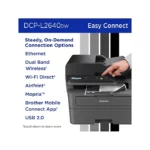
Got this networkable printer to replace old, non-network, but still functional, Canon MF4150. I just got tired of trying to share the USB connection from linux to a windows PC. This printer is lighter and perhaps not as rugged as the Canon, but ample for home office. (no kids) I chose this one because it has both ethernet and wifi, am starting with ethernet for now. Plugged into network and both linux and windows found it right away (via Bonjour) and connected. No drivers needed! On Linux, `gscan2pdf` found the scanner on the network and was immediately able to use it. Print quality is fine. We'll see how it holds up over time. Compatible toner cartridges easy to find and cheap. I had to look at the video to understand how to install the first toner cartridge, but easy once you see it. Replacement drum is also available if I ever need it (but it costs more than the printer!) Paper handling (autoduplex print, auto sheet feeder for scan or copy) works well, at least to start with (as mentioned, not an office workhorse, don't know how long it will continue to work...) Note auto sheet feeder can do 2 sided scanning or copying, but you must manually restack the originals (and copies). It's a little noisier than my Canon, but mostly because it's sitting on the table right behind me. Earned the 5th start because this is the most "like new" refurbished item I've ever seen! Unit came sealed in plastic bag with the shipping tape still on it, holding all the drawers closed. (see the unboxing pic) I have to say I have been buying refurbished electronics for several years and have not been disappointed yet!
I have used Brother laser printers for years. I decided on this particular model, mostly because it offered just exactly what my small business and ho...More
I have used Brother laser printers for years. I decided on this particular model, mostly because it offered just exactly what my small business and home office needs were. I have no use for a fax machine any more, so this printer and scanner was really all I wanted, and it seemed like a pretty reasonable value. I have tested it several times with various paper media. I print normal text documents, some with graphics, envelopes, and voucher checks regularly. This printer has handled everything really well so far. There was a bit of a learning curve with some odd sized envelopes, but I'm pretty sure my struggle was with the software I was using, not the printer. I did experience a couple of situations where the machine said there was a paper jam when using the front tray to print an envelope, but it was easily resolved. The quality and clarity of the print seems great to me. You can adjust the print density, toner ecology, etc. pretty easily. The machine itself has a heavy duty and durable feel to it, and I'm happy with how it has been working so far for me. WIRELESS CONNECTIVITY: I was reading other people's comments about having issues with this. I am going to share what I found worked best for me, and maybe that will be helpful for others. Since I have owned and used several Brother printers in the past, I've learned that getting the machine on my wireless network is easiest by simply using the machine's console push buttons. I know in the literature it says it should be discoverable by going through the steps outlined in the instructions after downloading their software. However, I've never had consistent luck with that process. I still download the software to make sure I have the right drivers and features loaded, but when it comes to getting the printer on my network, I just use the machine's console to find my router and then type in the password. It's a tiny bit tedious typing the password using the console buttons, but I've never had it not work for me. Honestly, seconds after doing that, the wireless printer was discoverable and available to all of my devices. I was able to print from my CPU, laptop, phone, tablet, etc. without any issues. I know that's not the only way of setting up the wireless functionality on these printers, but it's what I've learned causes the least amount of stress and frustration. I hope that's helpful. They provide details on how to accomplish this method in the accompanying literature that comes with the printer. At this point, I have no reason not to give this five stars. If something shoud change down the road, I'll be sure to update this review.
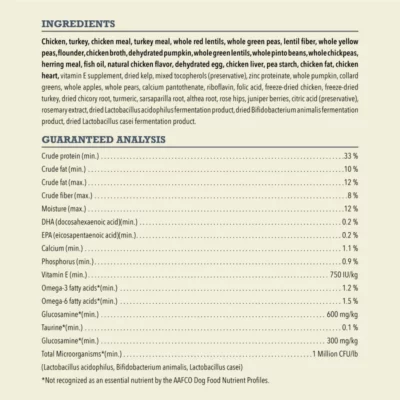
Regularly bought together

Original price was: $49.49.$40.49Current price is: $40.49.