


-18%Sold out
Here are some similar items ...


Original price was: $87.99.$71.99Current price is: $71.99.

Original price was: $59.99.$49.99Current price is: $49.99.

Original price was: $115.00.$94.00Current price is: $94.00.

K Medlar –
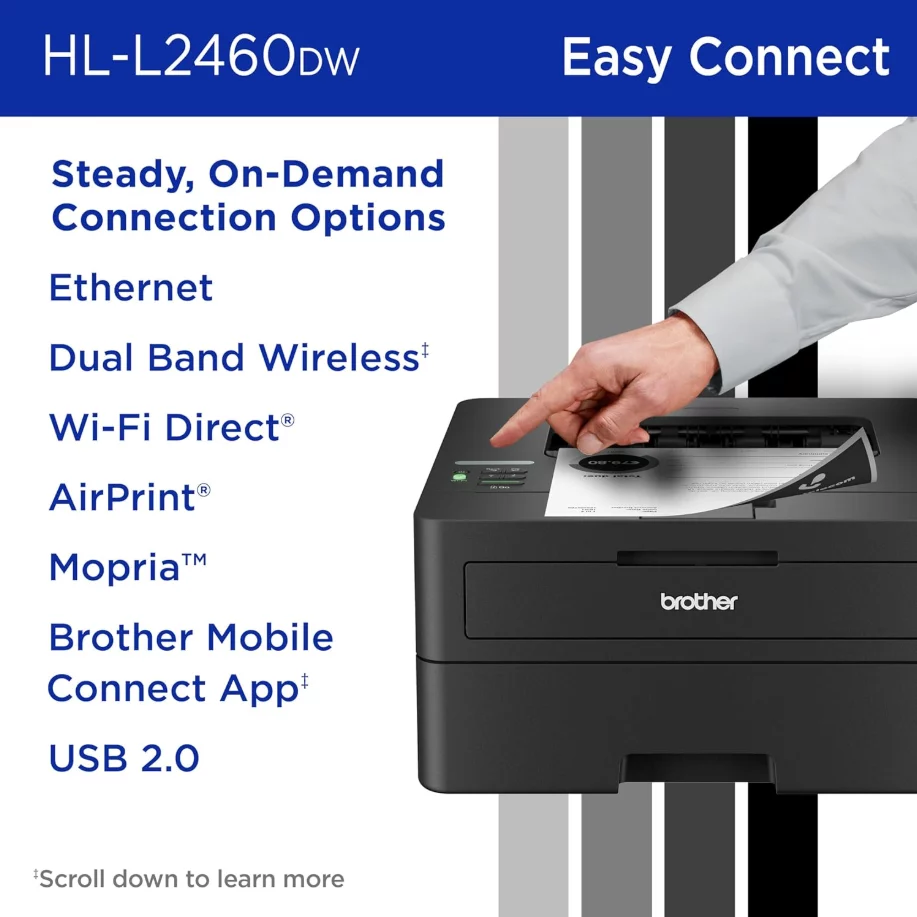
Update: I have a Macbook that only has a USB-C port and the printer cable for USBC did not work. So, I got an Anker USBC to USBA adapter and used an older USB printer cable and plugged in the adapter. After that setup was not too difficult, though I hate downloading stuff, not knowing what’s in it, The printer seems to work fine with WiFi now. I have upgraded the stars from two to four, assuming the printer continues to work well. I like Brother products in general. Nowhere in the instructions does it tell a person to get such an adapter and cable, so I’m subtracting a star for having to figure it out. Most people don’t have a USB printer cable anymore, and many don’t know about the adapters. If you don’t have a USB printer cable, you’d also have to purchase that with the adapter. Another tip: When it asks for user name and password, they want the one you normally use for your router. I was confused by this because it had also asked for the SSID and Network Key. These are written on the device you purchase, but if you’ve changed it to your own user name and password, that’s what you will use. Hope that explanation is not too confusing, but the instructions were less than clear. Original Review: I just received this today and their setup for wireless is a nightmare. They have several ways to set it up, but all of them are obscure. For my Macbook, I only have a USB-C port and a printer adapter. It would not accept this type of adapter but instead wanted me to use an old school USB-A to printer adapter. I just ordered a converter to convert my USB-C port to that obsolete technology. Another thing I tried was to enter the SSID into the screen that is miniscule. C’mon, you can hardly find it it’s so small. And to enter the code, you have to scroll through all the numbers and the whole alphabet for each number. There was no prompt to put in the network key, so after all the work of putting in the SSID, I got an error message. There were several other options, none of them worked for me. They want access to my keychain, etc, etc. Why so difficult? I was excited to get this printer. I will now have to go through tech support hell to find another way. Or return it. The horrible HP inkjet printers that I am getting rid of were effortless to set up on wifi. I went to their software and clicked a few times. I am hoping that once I get through the nightmare phase, I’ll have a good printer. If I can’t set it up, I’ll have to return it. More hassles. (Sigh).
Matthew –
Back in June of this year I purchased an HP inkjet printer. I will not go too far off topic but it was one of the most frustrating purchases of my life. I bought it because it was a cheap little printer, under $50 and it fit on the bookshelf where I needed to place it, which was a big consideration for the printer purchase, along with the fact that it had to be hooked up wirelessly also. After three days of trying to get it to work with senseless App control HP made me get could not get it hooked up. During the initial setup process out of box – HP setup a password that I did NOT know about and when I reset my internet router it asked me for this password. I was so perplexed and frustrated I could not get past this step. After two days of talking to HP they finally helped me get wireless setup complete. But then the stupid printer broke and made horrible sound when it would try to grab paper. I simply had enough. So I decided to spend more money on this Brother Laser printer. I hate to spend the more money, but I was ready to throw HP printer up against the wall. So to keep my sanity I paid the more money. This Brother printer was easy to setup and easy to connect to my ISP and router. Took no longer than one minute to get to where I could print. This printer is fast and prints without acting like it’s going to have a heart attack like the stupid HP crap I had before. So if you do not need color printing this is very good for small to medium workloads. I don’t need color printing really so this is very good.
nat620 –
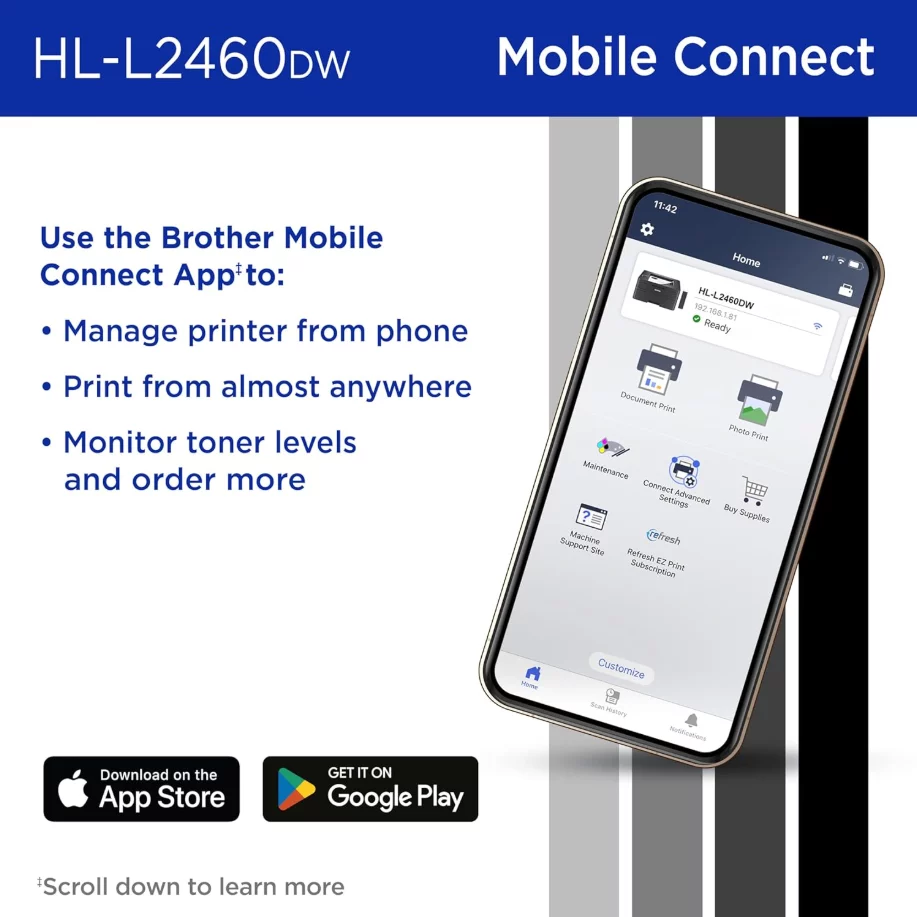
I cannot recommend this printer enough. After a couple of years of struggle with an HP printer, which for some reason would not connect with the wifi about 75% of the time (meaning I always had to restart the whole printer anytime I wanted to print), I finally got completely fed up with it. I had heard nothing but good things about Brother printers so I researched them and finally landed on this one. I like that it’s a laser printer (the cost of printer ink for the inkjet printer was another thing that was killing me). I set it up and it’s worked like a dream. It only prints in B&W which is absolutely fine with me. Most of the stuff I print only needs to be B&W and if I need color, I still have my HP inkjet, or I just go to Office Max to print. This printer has been super dependable – it’s connected to wifi every single time I want to print – I haven’t had to restart it once. I still don’t know why that was so difficult for the HP printer to do?! The pages print quickly and the print quality is good. It probably holds close to a whole ream of paper. To set it up I had to download an app, which seems standard for printers these days. The app took me through the setup process, so it was pretty easy, and ever since I haven’t had to worry about my printer at all! It does what it says on the box! Will only be buying printers from Brothers from here on out. An excellent product and I really want to support companies that make high-quality products that last, instead of products that use planned obsolescence or captive pricing, both of which are unfriendly to consumers. P.S. While I was researching printers I learned that the reason inkjet printers are so cheap because they make it up in the cost of ink. This is why printer ink is so expensive. Apparently the R&D of inkjet printers is actually pretty high, and since the inkjet printers sell at such a low cost, they have to make up the money somehow. The bad thing is that ink for inkjet printers dries out fairly fast, so the ink essentially has an expiration date as well. Laser printers (like this Brother printer) use toner cartridges, which yield many more page prints per cartridge and also don’t dry out. When I learned this, trading in my color inkjet printer for a B&W laser printer was a no-brainer. I just dont need to print color that much. Someday I might get a color laser printer, but so far I havent missed not being able to print in color.
Daniel –
I recently picked up the Brother HL-L2460DW, and I’m honestly so glad I made the switch. This thing is super fast. Pages come out almost instantly, which is a huge upgrade from what I had before. Setup was incredibly easy, way simpler than I expected. And the best part? I’m finally saving money. My old HP Envy was absolutely breaking the bank with ink costs. This Brother laser printer has already saved me so much, and I don’t have to worry about constantly buying cartridges. My kids love it too—they can print all their homework, drawings, and random projects without me stressing about ink. Overall, I’m really happy with my purchase. It just works, and it works well.
Harriet –
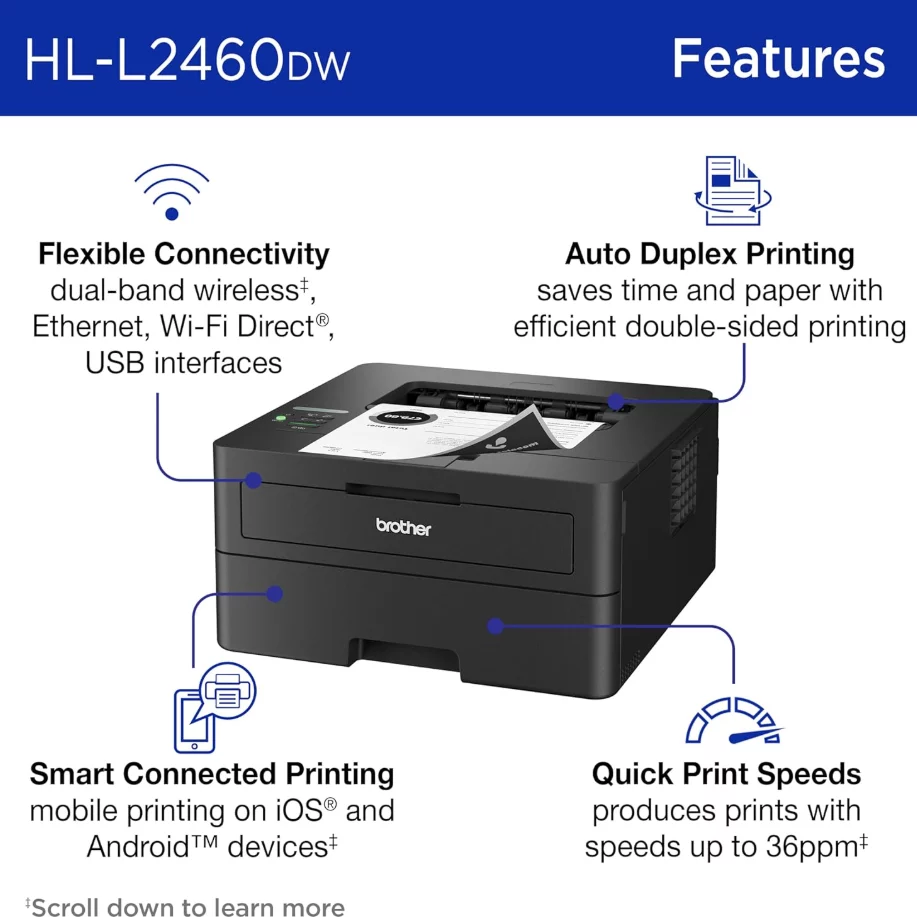
This is my second time buying this product. The first time was years ago. It connects to wifi easily, and the toner replacement is very affordable. The duplex printing is also very nice. We can also print from all our phones easily, so it’s very convenient. It’s not the heaviest printer, so it was easy to move, but I don’t move it around very often, so the weight doesn’t matter.
Bomber53 –
Looks to be a nice printer. Can’t add to my network and instructions are a tad vague. Basically a paper weight. No thoughts on print quality, because it can’t print. Update: after deleting and re installing, all is well. Good buy for the price.
Taylor Ziricote –
I think it’s still early to review, but this printer has shown excellent quality so far. I’ve been using it wirelessly from multiple devices—Windows laptops, iPhones, and iPads—and it hasn’t failed once. It was a fairly easy install on each device. I’ll update the review if anything changes, though I’m hoping there’s nothing to update.
Laura –
Going strong a year after buying it. We print once or twice a week and haven’t had to buy a new toner yet. It has disconnected from our WiFi a few times, but I haven’t definitively determined that was a printer issue. It prints clearly, quickly, and is simply a good printer. No frills. Just what we needed.
PAT –
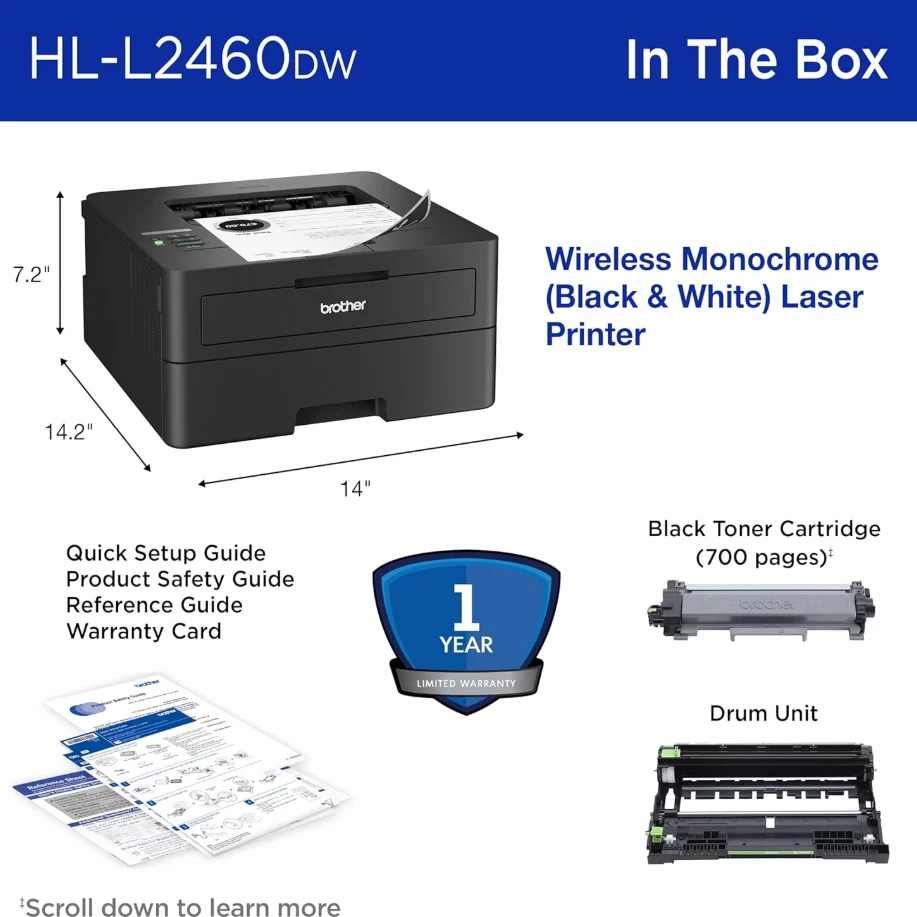
I have not been able to connect the the internet yet; however my main frustration is trying to get a consistent answer from “Rufus” which is AI. When I received the printer the toner and drum were one piece and I installed in the printer. I asked how the Drum will be still in the printer when the toner needs to be replaced only to get contradictory answers. I hope to get better results when I contact Brother customer service tomorrow. Also I have replaced this one with another Brother printer that I had for years and the new one doesn’t appear as well made. Will update this review if I get better results from CSR tomorrow and can get connected to internet finally as well! Update: I was able finally to get the printer connected wirelessly for both my computers-so that issue is solved. As for the above contradictory information from “Rufus” as noted above-I suggest watching the videos provided on both the printer site and the Toner site as they are much more informative and answered my questions-too bad “Rufus” didn’t suggest that as it would have save time and frustration! Yes I would recommend Brother printers and this one as well!