


-18%Sold out




Here are some similar items ...
Original price was: $87.99.$71.99Current price is: $71.99.
Original price was: $59.99.$49.99Current price is: $49.99.
Original price was: $96.99.$79.99Current price is: $79.99.
Original price was: $69.99.$56.99Current price is: $56.99.
Netta K –
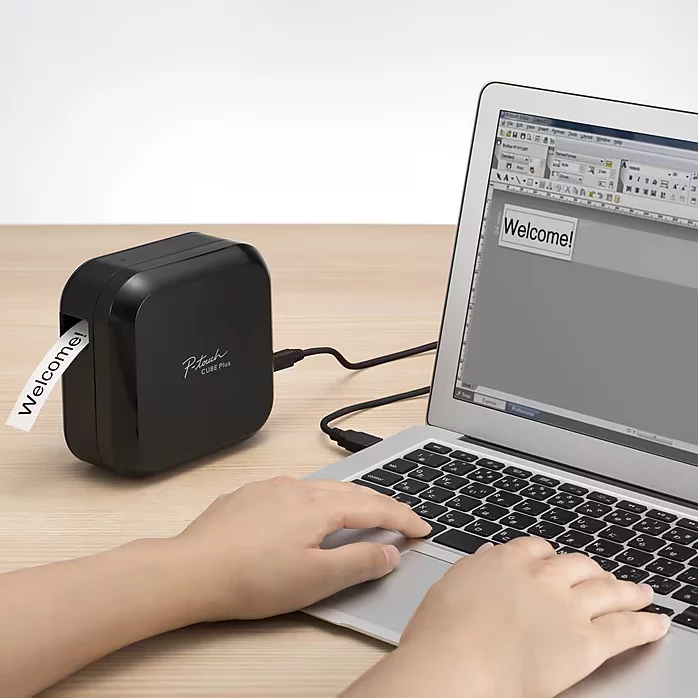
I have been looking for a label maker that used my computer and was easy to use. I read many of the reviews and the talk about the waste when you print and cut as it always has a 1″ lead that cuts out first for each label. I experimented and in a short amount of time, I had the wasted tape figured out. I needed to create several labels for my craft room and did not want that 1″ lead cut unused at each label. When you click the print button, options pop up. I unchecked the “Auto Cut” and chose just the “Chain Print” until I got to the last label. You will get a long chain of labels so you only get the waste of the 1″ at the very beginning. At the last label, I uncheck the “chain print” and choose just “auto cut”. I use a pair of scissors and just cut the labels apart which takes literally seconds and no waste between each label. I get more bang for my buck with the label cartridge. I have bought a few different ones in the past but hands down this was the best. It was easy to set up. The cartridge just pops in. I wanted to use my macbook air so I downloaded the app through the apple store and just plugged it into my computer. I don’t mind the fact that I have to use the cord that comes with it. I can use wireless with my phone but the idea was to be able to use the keyboard. When I am done, I just unplug and set it off to the side. My husband uses his cell phone from his office (next room) and prints from his cell phone. I held off on buying extra cartridges until I knew I was going to like it. I was surprised at the amount of labels I was able to print with the sample cartridge it came with. I have since ordered 6 more cartridges and can’t wait for them to come in so I can keep going! I would highly recommend the Brother P-touch CUBE Plus PT-P710BT to anyone, especially to someone like me who is not the greatest on setting up equipment or getting apps to work!!
RevieweroftheThings –
I had an old handheld brother label printer that was big, clunky and cumbersome to use. After using it for quite a few years, I got fed up and decided to buy a modern label printer. I bought, and still use occasionally, the PT-1230PC. That one is way ahead of the handheld label printers, but still has shortcomings; mainly the fact that a power adapter isn’t included, and that the cutter is manual rather than automatic. Print quality also isn’t as sharp as the P710BT. Like I said, I still use that one occasionally, mostly to print temporary/short term labels. I bought this one because it accepts a huge variety of label tapes, up to 24mm wide, and has an auto cutter. I use this one strictly connected to my PC; no bluetooth/app usage. I prefer the full-fledged p-touch editor software. My main usage of this amazing little printer is for making labels for power adapters, and for labeling my hardware bins with all the various sizes of the nuts, bolts, screws, etc., that I use. Connectivity is easy; just a micro usb cable from the printer to my PC. USB C would have been nice, considering the price of this printer, but that’s a minor quibble. I love the shape and aesthetic of the printer; I prefer simple designs with soft edges and clean lines, so with the printer being a simple cube shape with rounded corners and edges, works perfectly for me. No hard edges to grab when handling it to change label tapes, which I do often. I do wish it came in the blue color the previous p-touch cube is available in though. Print quality is great; nice and sharp. I make all my labels in the p-touch editor PC software, which is easy enough. No complaints there. Like all label printers, there’s about 1″ of waste at the beginning of each label. I minimize this by typing out my labels on a single, long label, then use scissors to cut each label individually. That way, I only lose that first inch instead of an inch with every label. I only buy genuine brother TZe label tapes; I know there’s a ton of aftermarket tapes, I just prefer to stick with genuine tapes. In case I have any issues, brother would be able to provide support/replacements. I mostly use the strong adhesive tapes; specifically TZe-S221 (3/8″ black print on white tape) and TZe-S135 (1/2″ white print on clear tape). I’ll be adding some other colors too. I absolutely love the auto cutter. That alone makes this printer worth the asking price. In short, I couldn’t be happier with this printer. Unless it was offered in blue, in which case I’d have another one on the way!
J.P. Larocque –
I bought this printer for basic product labeling: things like serial numbers for products I make. I chose it because it’s wireless and untethered (if you choose to use it that way), and the Bluetooth interface lets me programmatically generate, print, and even autocut labels. When I start doing small runs of products, each needing a unique label (due to changing serial numbers and MAC addresses), this is going to rock. The built-in rechargeable battery won’t chew through alkaline batteries or require swapping out NiMH rechargeable cells (and it prints while charging, too). Brother has some other printers which don’t require AA/AAA batteries, but this one comes with a battery, whereas the others that offer a rechargeable battery require that it be bought separately, and they’re overpriced. The real deal-breaker over the other Brother plug-powered printers was that the other options use 12 V DC jacks, apparently wired for center-negative, outer-positive connections. This is really bad, because it means that replacement third-party power supplies have to be this special kind, and if you accidentally plug a Brother power supply into something else that uses 12 V, but wired for the almost universally-adopted center-positive standard, you could blow that device up. I’ve let that happen once and now I won’t allow center-negative power supplies into my household. Micro USB bypasses all that; it’s very much standardized. I spent a day hacking on someone else’s open-source proof-of-concept Brother driver in Python. After sufficient tinkering, I can now print arbitrary monochrome PNGs (as long as they are the right height) on my Linux laptop via Bluetooth. It looks like it also supports USB communication, if you need to use it on a machine that doesn’t have Bluetooth. I haven’t tried the CUPS driver (but one exists) or the Windows utility. Brother publishes an excellent and detailed programmer’s manual that gives you nearly everything you need to know to do your own custom low-level printing, so I think this can be great for production or manufacturing environments on a budget. The convenience of being able to do one-off labels from my computer or my smartphone is a also huge win (you know, the intended application, lol). I had a project where I needed to print labels for hard disk serial numbers, so I used a barcode scanner app to read the serial number bar codes from the hard disk labels and then copied/pasted them into the Brother print app. This sounds clunky, but it’s way more convenient and error-proof than hand-keying all these numbers with a keyboard (whether on my phone or a label maker with a keyboard). In fact, lack of a keyboard on the label maker isn’t really a concern here. You’re probably a lot better entering text on a cell phone than you are on a clunky label maker keyboard anyway, and you get perks like autocomplete, copy/paste, drag-and-drop WYSIWYG font adjustment and positioning, etc. More great features: it has an automatic cutter, which is great for printing a batch of labels at once. And it’s possible to chain print labels to avoid the wastage you normally get at the beginning of a standalone label. You still do have to waste about an inch of tape for each batch job that you do, but that’s not really a big deal. The Brother app on Android is okay and somewhat easy to use once you get the printer to pair with your phone and get the app to recognize it. It’s got some quirks and annoyances, but no show-stoppers. For example, fine position adjustment of objects like text or images is tricky, because if you only move your finger a little bit, it’ll think you’re long-pressing the object and offer to delete the object or whatever. You have to move objects faster (and therefore further away than you want) so that it recognizes that this is a move command, and then you have to move it back to be closer to where you want. And it doesn’t show the object as it’s being moved, it only shows the bounding box, so it can be tricky to get objects to go exactly where you have them in mind. I decided to review it after I dropped it onto some concrete stairs I tripped on (I broke most of its fall–d’oh!), and it’s still working. Weaknesses of this printer: * While this is a Bluetooth printer, it has no security, and no way to disable Bluetooth that I’ve seen. It’s an open Bluetooth printer for anybody within range to pair with and print to. This will probably never be a real-world problem for me, but in theory some neighbor’s kid could eat through all my tape with dumb/offensive messages if I left this turned on. * It automatically powers off a little zealously when left inactive while running on battery power. If plugged into a USB port, I think it still auto-powers-off, but much less quickly. Bluetooth should be pretty light on current draw if done correctly, so it’d be nice if they didn’t turn it off so quickly. * It doesn’t support 1.5″ TZe tape, only up to 1″. That’s still pretty good, but I didn’t realize I was limiting my options when I bought it. * The TZe tape cartridge system and/or Brother’s standard print heads require a lot of top/bottom margin; the print area is smaller than I’d like. For example, for the 1″ nominal/24 mm actual tape, the print area is 128 dots vertically, or 18.06 mm high. That means you have a required margin of at least 3 mm on the top and bottom. This margin gets smaller with smaller tape widths, down to almost nothing on the 3.5 mm tape. Look up the Brother programmer’s manual for this printer to find the exact limitations if this matters to you. * The print resolution isn’t super great, but it does have a reasonable high-resolution mode. This prints at 360×180 dpi instead of the usual 180×180 DPI, presumably by running the tape a little bit slower through the print head. This does improve text and graphics legibility, in a similar way to how subpixel antialiasing improves text legibility on a computer LCD screen: the horizontal resolution matters more, so it’s good that it can boost that dimension of resolution.
PLI –
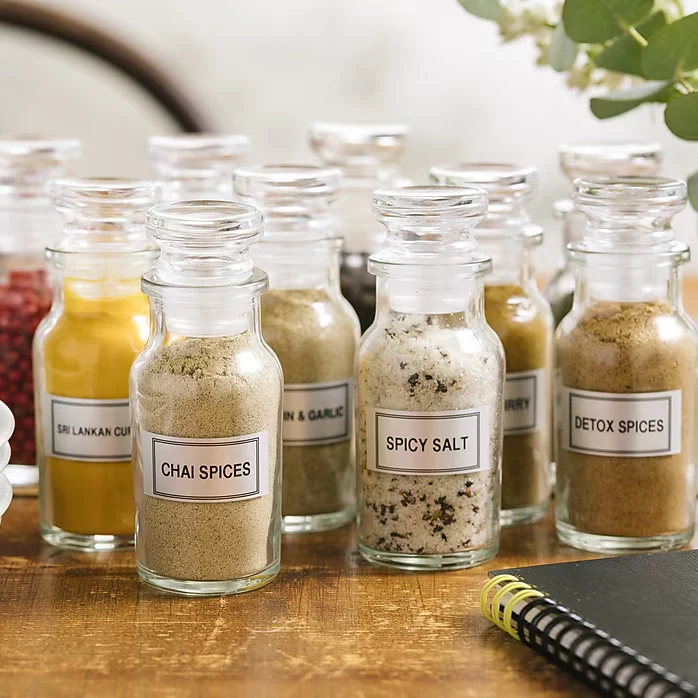
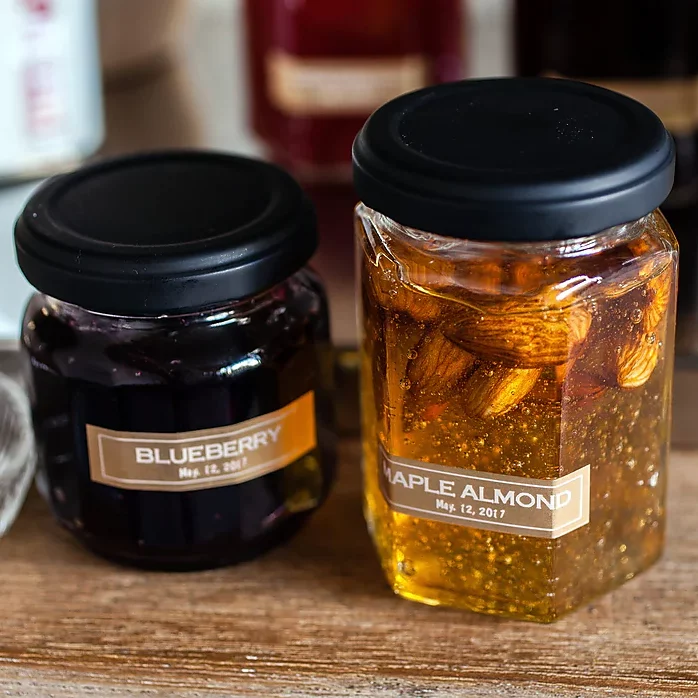
Some time ago I read an article about organizing. One of the things it suggested was to get a label maker to help I.D. boxes, drawers, items in the pantry, and so forth as part of the process. This was the product that was highly recommended. And it truly is fantastic. I really like having things nicely labelled. So much better than handwritten, uneven labels. It give me real satisfaction seeing my neatly and professionally labelled things. The P-touch Cube has a lot of great features. One can download software for use on your laptop or desktop and for mobile devices—phones, tablets. The software allows you to determine the type and size of your font. It also has templates for many different types of labels—storage, kitchen, garage, office, labelling CD’s, etc. You can use the templates as is, revise or customize the templates, or not use them at all. Some templates have designs of various kinds on them. I typically find the templates are a good starting point. One can operate the label maker via Bluetooth on your phone or tablet or on your computer but connecting the cable that comes with it (with an adapter allowing for USB-A or USB-C). When I just need a quick, simple label, I make it from my phone without using a template. It’s fast and simple. The P-touch Cube has a built-in rechargeable battery, making it easy to move from room to room or take with you on a business trip. The label tape comes in cartridges that can be easily popped in and out—for instance if you need a larger size or different color background or font. I’ve used the label maker, among other things, to identify soap and lotion jars in our guest room, label small travel bottles, on the sides of notebooks, and on files. I’m about to launch a reorganization of our pantry, where I’ll be labelling the new containers I got for that purpose. Great product.
Gindc –
The Brother P-Touch cube is a replacement for an older P-Touch label maker. The only issue I have for using this product is the lack of detail in using the P-Editor program in creating the labels. Even though there are templates are available, it still takes time experimenting and adjusting to get labels to print as needed.
P. Schmidt –
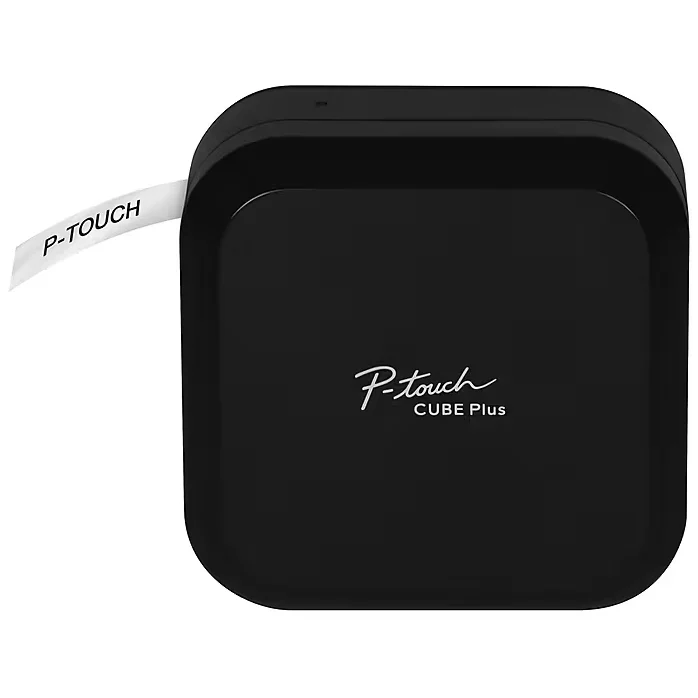
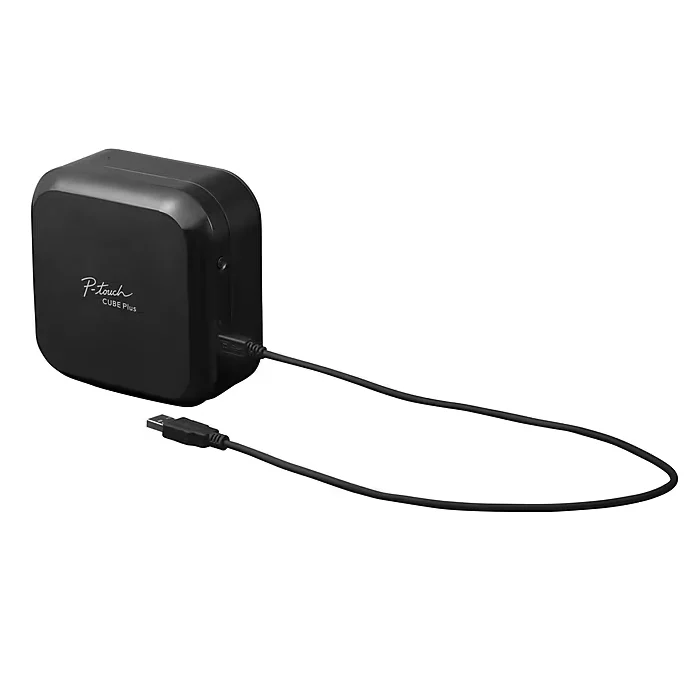
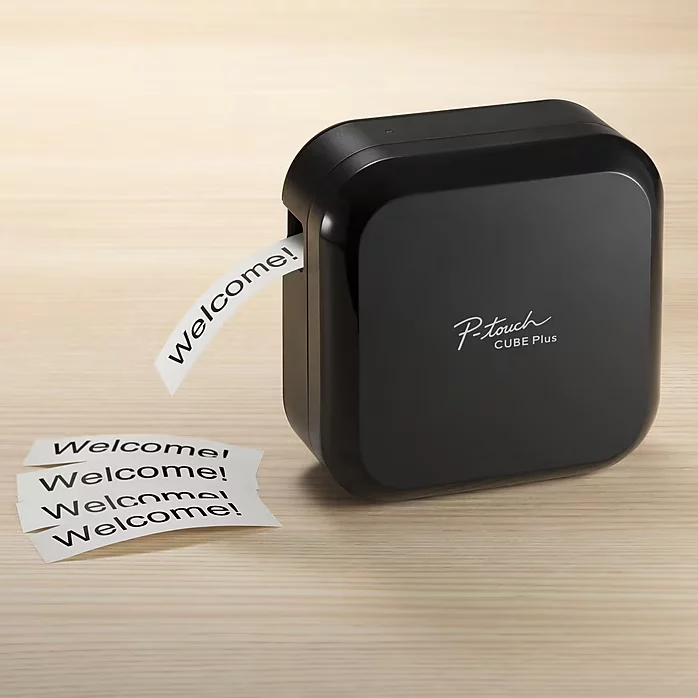
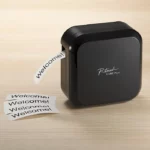
This is a portable/desktop label printer that is designed to work exclusively with the Brother “TZe” series of cartridge-based labeling tapes. The TZe tapes are self-laminating (inside the cartridge) for durability, and have a long-life high-grip adhesive backing which is easily exposed due to the automatic slitting of the backing paper during the printing process. The printer is about 5″ x 5″ x 2-5/8″, and it weighs about 24 ounces. The printer has NO controls or display. You MUST also use one of the three label-design applications that Brother makes available for free on their website: – P-Touch Editor is the best, easiest to use, most powerful/flexible application, and runs on a desktop or notebook computer (Windows, and maybe Apple….I did not check) – Brother iPrint&Label (for Android or Apple smart phones and tablets)….this is for making conventional/serious labels – Brother P-Touch Design & Print 2 (Android/Apple)….this is for making decorative arts & crafts type labels The printer connects to the device (that is running the design software) via either included USB cable or via Bluetooth; it does NOT support WiFi connections. Any Brother TZe series label cartridges for label widths of 1″ (0.94″) or LESS can be used in this printer. Except for its form factor, this printer can use the same cartridges as any of the Brother handheld or desktop label designer/printer products in the P-Touch family. The printer comes with: – printed manual (in the form of a large folded sheet of paper) – short USB cable, for charging and/or for wired USB communication with a label design device, as described above – 1″ sample cartridge (black on white); example of what might be used for many conventional/serious labels – 1″ sample cartridge (black on gold); example of what might be used for many decorative/arts & crafts labels The printer contains a proprietary Li-ion battery. It can run on battery power alone, or when plugged into a USB power supply or computer, it can run from that USB power source; the instructions note that the battery will NOT be used when USB power is available, and that the battery might NOT charge, or might charge slowly, if operated while connected to USB. In other words, the battery will charge faster if the printer is not in use while USB powered. The ‘user interface’ consists of a POWER button, an LED to provide battery status, and another LED to provide operational status; there are a LOT of color & flashing patterns for the second LED, to the point where it is useless unless the LED chart in the manual is handy. I have used Brother P-Touch / Tze label products for a LONG time, and have always used one version or other of the P-Touch Editor (label designer). I have one of the older printers with a fairly large keyboard and display, but wanted to be able to do mobile/off-site TZe label design & printing without lugging my computer and that large printer around. This PT-P710BT is a good solution to the printer portability aspect of that, and it does seem to be a quality product and seems to work well. HOWEVER, as long as I need to use my Android smart phone for portable label design, I find the Brother iPrint&Label app to be rather poor. A lot of this simply comes down to the fact that a small touch-screen interface is very limited when it comes to designing and laying out detailed text and other graphical objects (e.g. barcodes and QR codes), and the great number of sub-menus required due to small screen size on phones contributes to slow and awkward label design, unless all you want to design are the simplest of labels. In my case, I have ended up dragging my notebook computer around in order to use the P-Touch Editor software. I do want to share a nice carrying case for this printer.
Ed –
This P-touch Cube plus printer is by far the best portable Label Maker I’ve ever had. It’s amazingly easy and fast to print out labels add symbols or art work. It paired with my phone in seconds. It’s quality built, tapes installed easily and the amount of color variations in tape cartridges is amazing as well. I own Brother office printers and love them. So the Brother’s corporation is doing it right!!! JUST BUY IT, you’ll love.
Lew Stephens –
Great little labeler Be careful with connections port in back
jules –
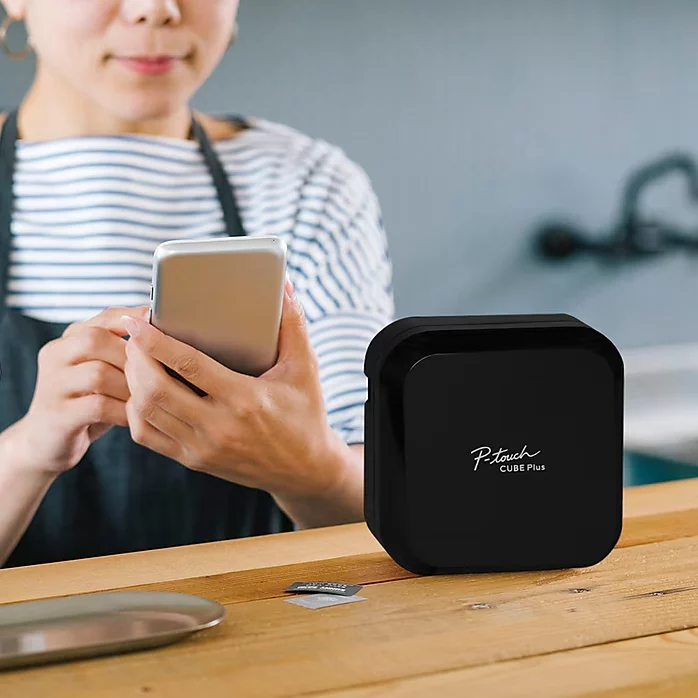
Best labeler ever! I am a professional organizer and this is by far the best labeler I’ve ever used. It’s lightweight and compact so it’s easy to take on the job. It’s often on sale and is a great price for such a handy machine. It’s also pretty durable as I’ve dropped mine occasionally and it has never broken. It can print a variety of label tape sizes, fonts, font sizes and even decorative borders and simple graphics. The labels are not like the old embossing tapes. They are beautiful. Love the clear tapes. Great investment for anyone who wants to label, not just organizers. I love that you design the label on your phone and quickly and easily print through bluetooth. Fabulous!