


-18%Sold out
Here are some similar items ...
Original price was: $96.99.$79.99Current price is: $79.99.
Original price was: $107.00.$88.00Current price is: $88.00.
Original price was: $96.99.$79.99Current price is: $79.99.
Original price was: $75.99.$62.99Current price is: $62.99.
Aly H –
Wow! Don’t waste your money on any other sticker printer that you want to print in color! I bought a few different printers to do crafts with my daughters and I didn’t like any of them. I bought this as an upgrade, even though it wasn’t that much more expensive and I love it! Printer quality is top-notch. I have had no issues with connecting and printing from my cell phone and my tablet!!! That was a big issue with the other printers I had, they would they would freeze up. This one does not freeze up! I don’t write many reviews, but I felt I needed to for this device because it is so cool! It’s making the crafting easy and fun and instead of focusing on trying to work the printer we are focusing on the crafts!! Worth it!!
Zeb –
I recently upgraded the firmware. It was complicated but the improvement is stunning. It works a lot better even iOS app almost perfect. I have many experiences with ZINK from many years back. No matter what it was a stunning achievement. Hoping in time that it would get better. It is better but not perfect yet. This is an affordable color label printer. The resolution is very high in my opinion. The typeface is smooth not jagged edged. The colors are nice and pleasing. It is not a replacement for a photo printer. I am using it on my iPhone XS with no problems. I would have preferred a Bluetooth 5.0 connection rather than WIFI as one has to switch to the Brother WIFI while using. One can set it up on a PC as well – have not tried yet. There are other color label printers out there but they are commercial use and are super expensive. ZINK sell this exact same printer under their name for several years now. I am hoping that Brother will help this product mature and get better with improved drivers and software. I think this a big deal for brother have this product. It makes it mainstream! Thank you both Brother and ZINK !!!
S. Abissel –
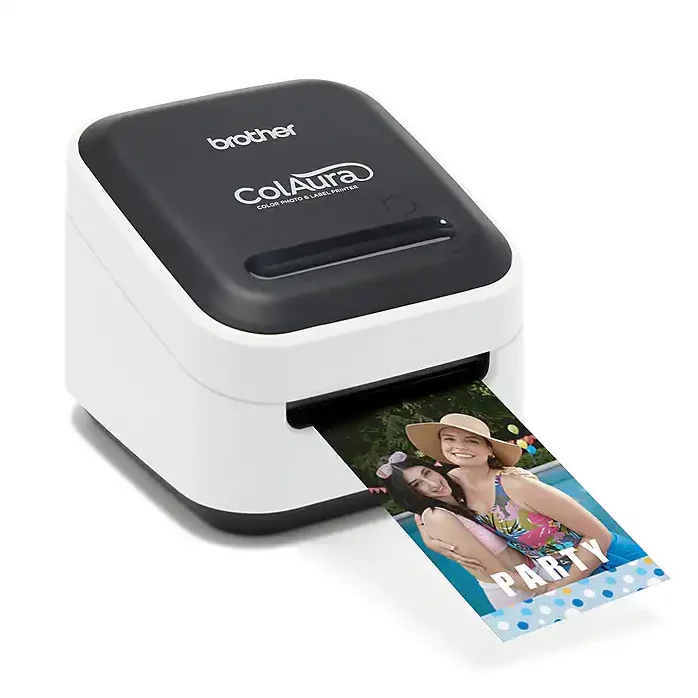
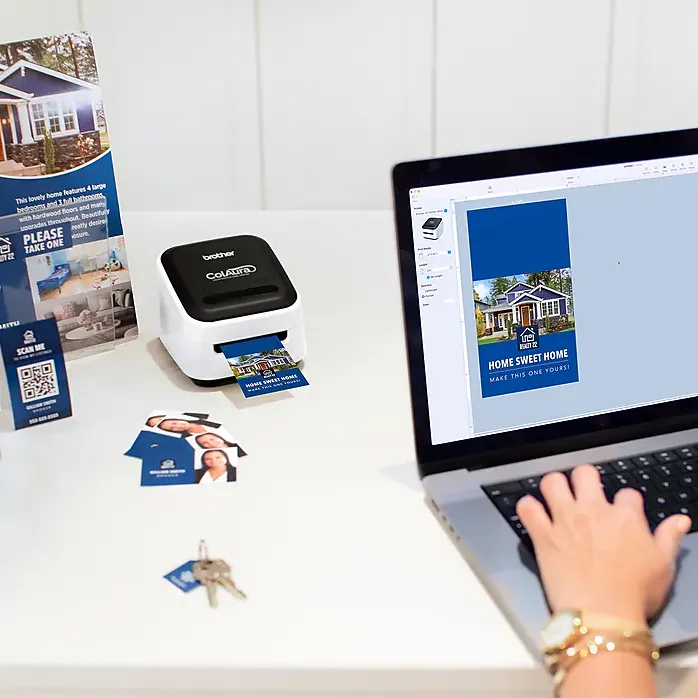
When we first heard about this–and saw the footprint, I felt like I was missing something, as between the comparatively small size (somewhere between the size of Big Mac & Double Big Mac) and lack of complicated control panel, this isn’t what comes to mind when you think “full color, photo quality printer”. Now that we’ve spent the better part of today putting this through its paces, it’s all clear–and very cool. First, this is one of those ZINK photo printers so it prints photo quality without toner or ink. Unlike other color printers, with Zink all the “color” is in the paper–not sure what that means or how it works, but I don’t know how a 747 stays up in the air either and that doesn’t stop me from getting on a plane. Anyway, in terms of easy both using it and getting it to work & play well with wifi etc, this reminded me a lot my Brother PC labeler, except; This prints full color, photo quality labels from my phone as well –which is great for on site tweaks as it means I don’t have to boot up my laptop This prints those photo labels up to just about a foot and a half long (and depending which tape you use up to 2” wide)–which comes in handy as we create experiential POS for retail and trade show exhibits–and as of 3 months ago, the on-premise ‘presence’ for certain liquor brands–all “highly rectangular” stuff (shelf talkers, table tents, booth signage) that needs lots of rounds of testing & (on location) fine tuning– that always needs to look like the final finished printed piece. Until now we’ve been spending a small fortune on getting this done — and that’s without the rush charges–This not only fits in my laptop messenger bag It even prints those ZINK labels pre-scored so peeling off the adhesive back is easy and doesn’t take its toll on your nails, teeth…or the label. The PC interface also has pretty much the same options as our existing P-touch so multiple prints and all those other handy features are there. If you’re looking to print 8×10 or 5×7 or 3×5 prints— stick with your whatever, though if you’re like us, and need a photo quality (aka “professional” quality) full color printer, between the VC500W’s Zink-based, print quality, the compact size, and the same hassle-free easiness as our P-touch labeler, this is our new MVP Most Valuable Printer.
Gary/Rachel Waine –
Great for a small business or for small projects. I wouldn’t recommend it for mass producing anything. Also, I recommend turning down the brightness setting to get the colors to show more.
PearlGirl –
I so looked forward to getting this printer. However, I am assigned overseas to the Middle East and I cannot access the software for my mobile devices. I will have to wait until I return to the US in a few months. In the meantime I downloaded P-Touch Editor 5.2 to my laptop. It saw three devices instead of one, so I called Support. They were very good about helping me through the process. My helper was familiar with my issue and gave me the best instructions for setting up. For now, I must use my laptop. I was able to print a few things, black&white and color. I must say that I like this printer a lot. I will be glad when I can download the Color Editor app and use that.
Bobby –
The Brother ColAura is a fascinating addition to my crafting arsenal, blending technology and creativity in a way that truly enhances my projects. Its innovative approach to crafting and the quality of output it produces deserves commendation. However, there’s a slight caveat that prevents me from giving it a perfect score: the limited selection of templates available. The device itself is a marvel of engineering, offering crisp, vibrant colors and a user-friendly interface that makes crafting both enjoyable and efficient. Whether for personal projects or professional designs, the ColAura brings a level of precision and versatility that is hard to match. Its ability to seamlessly integrate into various crafting endeavors is a testament to Brother’s commitment to quality and innovation. However, the area where the ColAura falls short is in its template library. For a device that holds so much potential, the limited range of templates feels like a missed opportunity. More diverse templates would not only enhance the user experience but also unlock new creative possibilities, catering to a wider range of styles and preferences. Despite this shortcoming, the Brother ColAura remains a standout product. Its performance is reliable, and the quality of work it produces is consistently high. The ease of use and the quality of the final product it delivers are commendable. It’s a product that, with a few enhancements to its template library, could easily become indispensable to crafters of all levels. In conclusion, I award the Brother ColAura 4 stars. It’s a product that offers a lot of promise and delivers on many fronts. With an expanded selection of templates, I believe it could easily become a 5-star staple in the crafting community. For anyone looking to elevate their crafting projects with a touch of technology, the ColAura is a worthy investment, albeit with a small area ripe for improvement.
Joe Godin –
There’s times you need photo quality color printing that’s not related to documents or anything 8.5×11…say labels, displays, case & counter cards and so on. That’s what the VC500W is all about. It uses the same ZINK instant color printing as Polaroid, Kodak, HP & others so we’re not worried about results, or going broke on ink & toner as ZINK has the color “built into” the paper, so all you need is the unit and a ZINK paper cartridge. While this isn’t our first Brother labeler it IS the one we were waiting for as it lets us print labels up to a foot & a half long. Label width depends on which tape you buy, but with options up to 2”, I’ll be fine as we plan on using it to “Field Test” label designs for our BBQ sauces. Set- up was also simple as it uses pretty much the same interface as Brother’s P-touch printers. It’s small, so it’s easy to carry to accounts and let’s us address design changes “on the spot” no muss no fuss.
Huana Caprice Soares Menezes –
This printer is seriously frustrating. It won’t connect at first, and when it finally does, it still refuses to print. The “no media in printer” message just won’t go away no matter what I do. I’m using a genuine brother tape roll…
Mark R –
I saw some really negative reviews, but for the money and given the sparse competitive landscape, I’m quite pleased. No connectivity issues at all. Work great through their app or as any other AirPrint device. Granted, the colors, especially yellows and red could be more vibrant. Also, you need double sided tape to affix to a textured surface, e.g. an HDX stackable bin. I think this is the current state of the technology.
Ms Outdoorsy –
the test flower I printed is so pretty. I’m not even a girly girl. can’t wait to print labels for my rental and a contact card for my new weapons/travel case.
Lindsey –
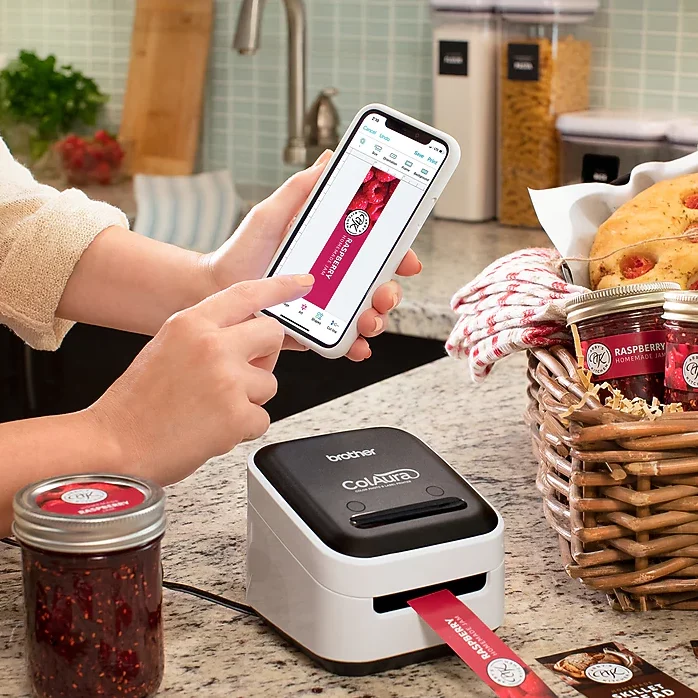
I purchased this printer in March 2025 and it is amazing! I use it to print product labels for my Etsy shop, and it is used exclusively with my 2019 MacBook. In the year and half that I’ve had it, I’ve had a few hiccups with it – but that’s par for the course with any tech product. I’ve found that the labels look better when images are set in a white background. Full color can be done, but it doesn’t look as good in my opinion. Color quality and variations are attributed to the label cartridges, not the printer itself. I recently printed 130 identical 2”x3” labels and I noticed very slight color variations (I used multiple cartridges) but nothing extreme. I love that I can use AirPrint with this machine. I can print from a different room in my home and it works just as well as it does when I’m sitting next to it.
Jeannie Jones –
I was looking for refill rolls for my Happy Printer and found my printer had been “discontinued” so I ordered this one. After I had ordered it, I found out the Brother refills fit my Happy Printer. I decided to try the Brother printer and would keep it if there had been improvements since I purchased my little Happy Printer 2 yrs ago. It is the EXACT printer. NOTHING has changed, not even the software, although the software has a new name and app, it is the EXACT same as the previous one – just a new name. Looks and operates exactly the same. All that to say, if you don’t have the Happy Printer, then this one is great for your planners, scrapbooking, invitations, or whatever. If you already have the Happy Printer, you don’t need to buy this one. Just know the Zink rolls for the this printer fit the Happy Printer.
frankslat4@aol.com –
The software for us on a computer is “chunky” – feels old school. But the app for the cell phone is much better. It could still improve but is much better. So I will use the phone app with this printer.
Yansy ❤️Cook 👩🍳✨💫 –
I’m really impressed with this little printer. It’s compact, easy to set up, and prints both photos and labels with great color quality. The images come out bright and sharp, and they dry instantly — no smudging at all. I love how convenient it is for quick projects like journaling, scrapbooking, and organizing around the house. The best part is how portable it is. You don’t need big cartridges, and everything runs smoothly through the app. Labels stick well and photos have a nice glossy finish. If you like crafting, planning, or personalizing items, this printer is definitely worth it. Lightweight, useful, and fun — I really enjoy using it.
Tracy Weidman –
This thing is absolutely awesome! I can’t believe I struggled with labeling my products for so many years and this little thing was out there!! My labels look amazing now and only take seconds to print! I took 1 star away because I really wish I could print round labels on it that don’t need to be hand cut out as well
C. Harris –
First of all, you need to hook it up via the USB wire. You can use a USB-C adapter for the new computers. Once you have done that… download the P-touch app from the App Store. Then you can go to Settings/printers and find the brother VC-500W printer. Once there, you can click on Options and supplies. Once that window pops up, you can click on show printer website. That will direct you to the printer options where you can now select your wireless router and enter the pass word. Once you have done that, you don’t need a wire any longer and can print from any device wirelessly. Why they can’t print that in their instruction manual, I DO NOT KNOW. Works great. The C cartridge is for cleaning. So don’t try to use that for printing.